ChatGPT’s GPT-6 Update Adds Interactive Answers: What’s New?
AI UPDATE · OCTOBER 12, 2026
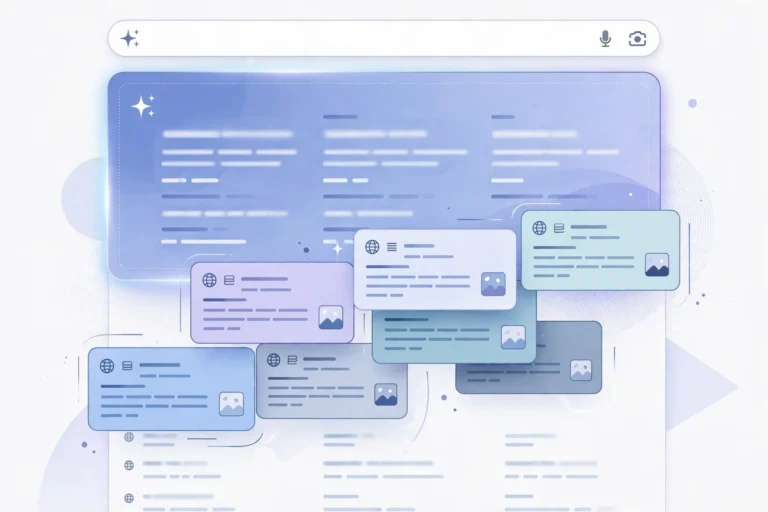
The short version: OpenAI began rolling out GPT-6 with a feature called Intelligent UI on October 7. Instead of limiting every answer to paragraphs of text, ChatGPT can now show interactive diagrams, charts, controls and small tools when those formats help explain or complete a task.
What changed in ChatGPT?
The headline change is how an answer can be presented. A straightforward question can still get a straightforward text response. But a comparison might appear in columns, a complex idea might get a visual diagram, and a calculation might come with editable inputs so a user can experiment without leaving the conversation.
OpenAI describes this as an interface generated around the question, rather than requiring users to navigate a fixed set of buttons and pages. Its release notes also say GPT-6 can begin presenting useful parts of an answer while it continues working on the rest.
Who gets it?
The rollout started on October 7, 2026 for Plus, Pro, Business and Enterprise in ChatGPT, followed by Free and Go starting October 8. OpenAI says the default ChatGPT experience uses GPT-6 Sol on the higher paid tiers and GPT-6 Luna on Free and Go. Workspace settings can affect availability for Enterprise users. The separate Pro reasoning option does not support Intelligent UI, and this specific launch did not change the models used in Work and Codex.
Why it matters
For everyday users, the change could make explanations easier to explore. Think of testing different values in a budget example or opening parts of a visual comparison rather than reading a long table. For people who write, study or work with technology, the interesting part is having some simple tools created in the same place as the explanation.
There is a trade-off: a polished interface is not evidence that the underlying facts are correct. Verify important specifications, prices, citations and calculations against the original sources, particularly when making financial, medical or professional decisions. Interactive elements also will not appear in every answer.
What to try first
- Ask for a side-by-side comparison with the criteria that matter to you.
- Ask for a simple calculator with inputs you can adjust.
- When learning a complex concept, ask for a visual explanation and follow-up questions.
Sources and context
- OpenAI’s October 7 launch announcement
- Official ChatGPT release notes
- Independent launch coverage from The Verge
Reported from published product documentation and launch coverage. USABite has not independently benchmarked GPT-6.