
Custom Business Automation: What It Is, How It Works, and When It’s Worth It
Key takeaway: Custom business automation is software built around your company’s exact processes — order intake, invoicing, approvals, customer follow-ups — instead of forcing your team into a generic tool’s template. It combines workflow engines, integrations, and AI to connect the systems you already use. The business process automation market is valued at $18.83 billion in 2026, per The Business Research Company.
What custom business automation means
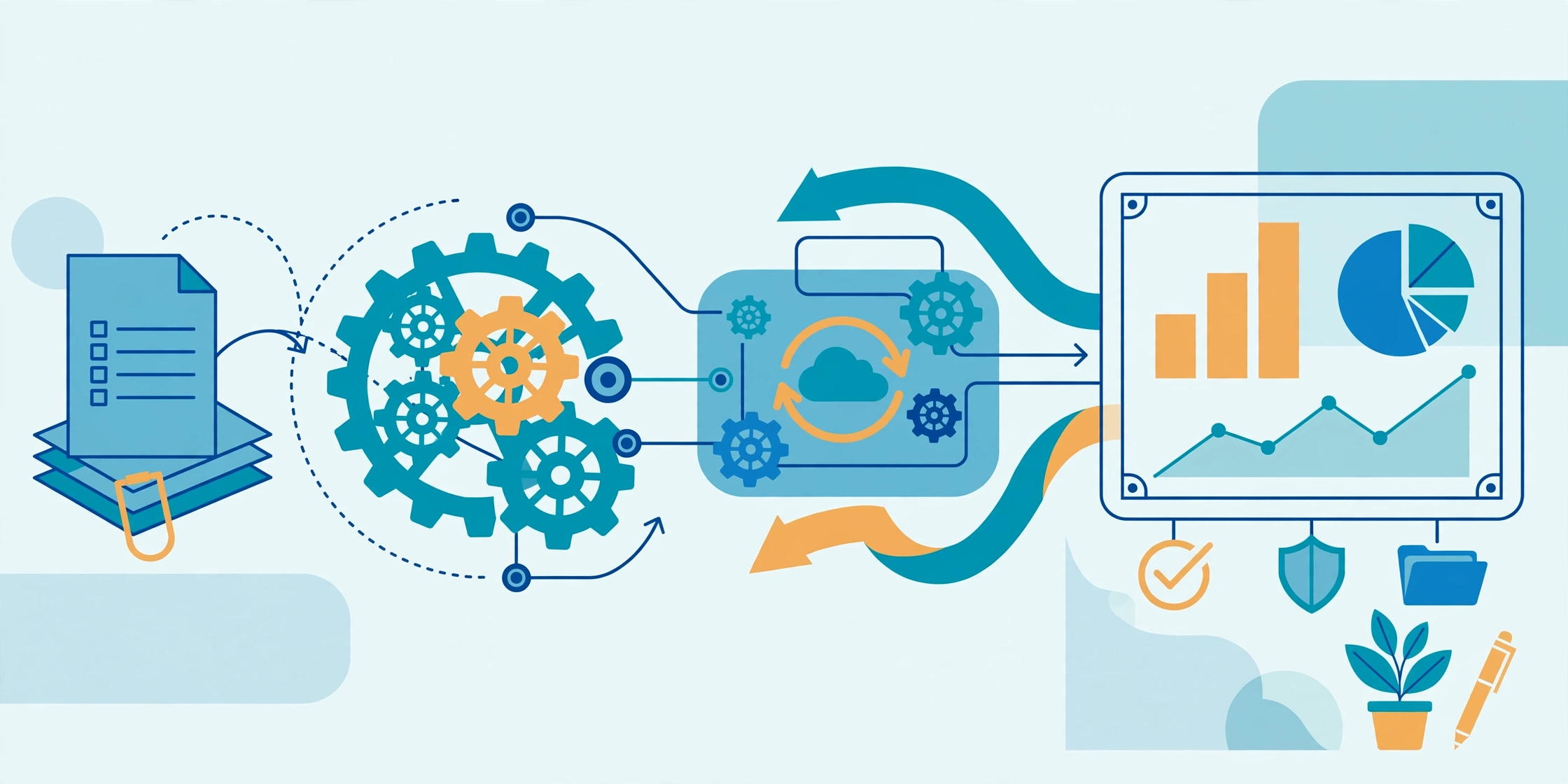
Custom business automation encodes your company’s specific steps, rules, and exceptions into software — instead of forcing you to adapt to a generic tool. It combines four building blocks:
Workflow orchestration — rules moving work step to step (a new order triggers invoicing, inventory checks, and a confirmation email). Integrations connecting the systems you already use so data stops being re-typed. Decision logic and AI, from simple if-then rules to models that classify documents or score leads (see our guide to AI agents for business automation). And monitoring — a dashboard of what’s automated, what’s stuck, and which exceptions need a human.
How custom business automation works
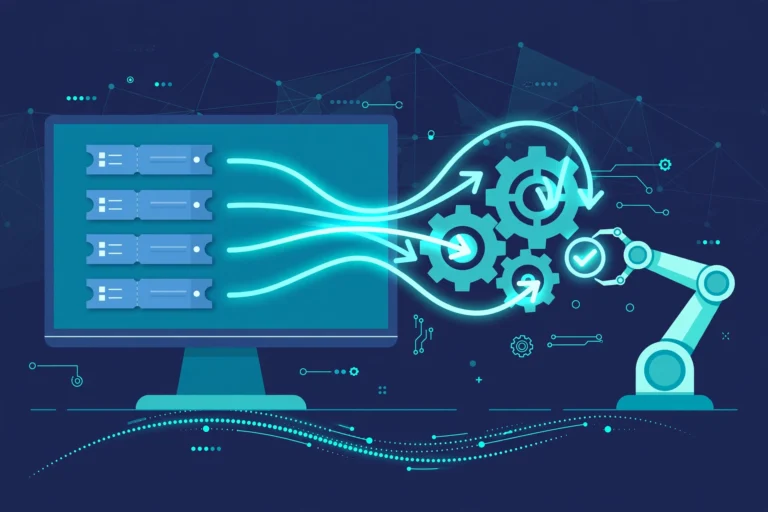
Most custom automations run the same loop: a trigger (form submitted, invoice received, customer message); validation of the data; execution of the steps across every connected system; exception routing — cases the rules don’t cover go to a person with full context attached; and logging of every step for audits and troubleshooting.
Exceptions are where custom automation earns its keep — unusual payment terms or oddly formatted supplier invoices are handled by design, not as workarounds.
Custom automation vs. off-the-shelf tools
Off-the-shelf tools (Zapier, Microsoft Power Automate, built-in ERP workflows) are fast to start and cheap at first. Custom automation costs more upfront but fits exactly. The key trade-offs:
- Fit: packaged tools cover roughly 70–80% of typical needs; custom is built around your whole workflow.
- Long-term cost: subscription and per-user fees grow as you scale. Custom builds often break even around 33 months for mid-market firms, with 35–40% efficiency gains, per Technostacks’ analysis citing McKinsey.
- Integration: custom is designed integration-first for your existing stack — a core advantage over packaged apps, as LaSoft notes.
- Differentiation: competitors can buy the same off-the-shelf tool. They can’t copy a workflow engine tuned to your operations.
A practical rule: use off-the-shelf for standard tasks (email sequences, simple notifications) and go custom where your process is what makes you competitive. Many firms end up hybrid — packaged cores with custom modules for the parts that matter.
Signs you’re ready for custom automation
- Someone on staff routinely copies data between systems by hand.
- Manual handoff errors cost real money — missed invoices, late follow-ups, compliance gaps.
- Your team bends its process to fit the software, instead of the reverse.
- Growth stalls because every new client adds the same fixed amount of manual work.
What it costs — and what it returns
Single-process builds often start in the low five figures; multi-system projects run into six figures. Judge them on three-to-five-year total cost of ownership, not the upfront quote.
The economics hold up broadly: by 2025, 70% of organizations had adopted structured automation (up from 20% in 2021), with an average first-year ROI of 240%, according to statistics compiled by Vegam AI. Forrester’s 2024 Total Economic Impact study documented a 248% three-year ROI for workflow automation, as reported by Quixy, and McKinsey analysis puts basic automation’s operational cost reduction at 20–30%.
How to get started
- Map one process end to end. Pick one painful workflow; document every step, handoff, and exception.
- Measure the baseline. Time it, count the errors, price the delays — you’ll need these to judge ROI.
- Design before you build. Decide what stays human and what the software handles.
- Build in phases. Automate the highest-volume, lowest-risk steps first, then expand — the phased approach from our IT operations automation guide.
- Monitor and refine. Track exceptions and cycle times; tune monthly in the first year.
Analysis: this is an operations decision wearing a technology costume. The companies that gain the most already know their processes well enough to describe them. If your team can’t agree on how a workflow should run, automation will only encode the disagreement — do the mapping work first; the software is the easy part.
Frequently asked questions
How much does custom business automation cost?
Single-process builds often start in the low five figures; multi-system projects can reach six figures. Most mid-market firms break even around 33 months. Measure three-to-five-year total cost of ownership, not the upfront quote.
How long does it take to build?
A single workflow can go live in 4–8 weeks once requirements are clear; larger projects take 3–6 months. The biggest delays come from unclear processes and unavailable stakeholders, not development.
Is custom automation better than Zapier or Power Automate?
Neither is universally better. Packaged tools win for standard tasks because they deploy in days. Custom automation wins when your process is unique, spans multiple systems, or has compliance needs the generic tool can’t model. Many businesses use both.
What’s the difference between business process automation and robotic process automation?
Business process automation (BPA) redesigns and automates entire workflows end to end, often integrating systems through APIs. Robotic process automation (RPA) automates individual repetitive tasks by mimicking clicks in existing software. BPA is the broader strategy; RPA bots are one tool it can use.
Sources
- The Business Research Company — Business Process Automation Global Market Report ($18.83B in 2026; $33.43B by 2030; 15.4% CAGR)
- Vegam AI — Business Process Automation Statistics 2025 (70% adoption in 2025 vs 20% in 2021; 240% average first-year ROI)
- Quixy — Workflow Automation Statistics and Forecasts (Forrester 248% three-year ROI; McKinsey 20–30% cost reduction)
- Technostacks — Off-the-Shelf vs Custom Software (break-even ~33 months; 35–40% efficiency gains)




One Comment
Comments are closed.