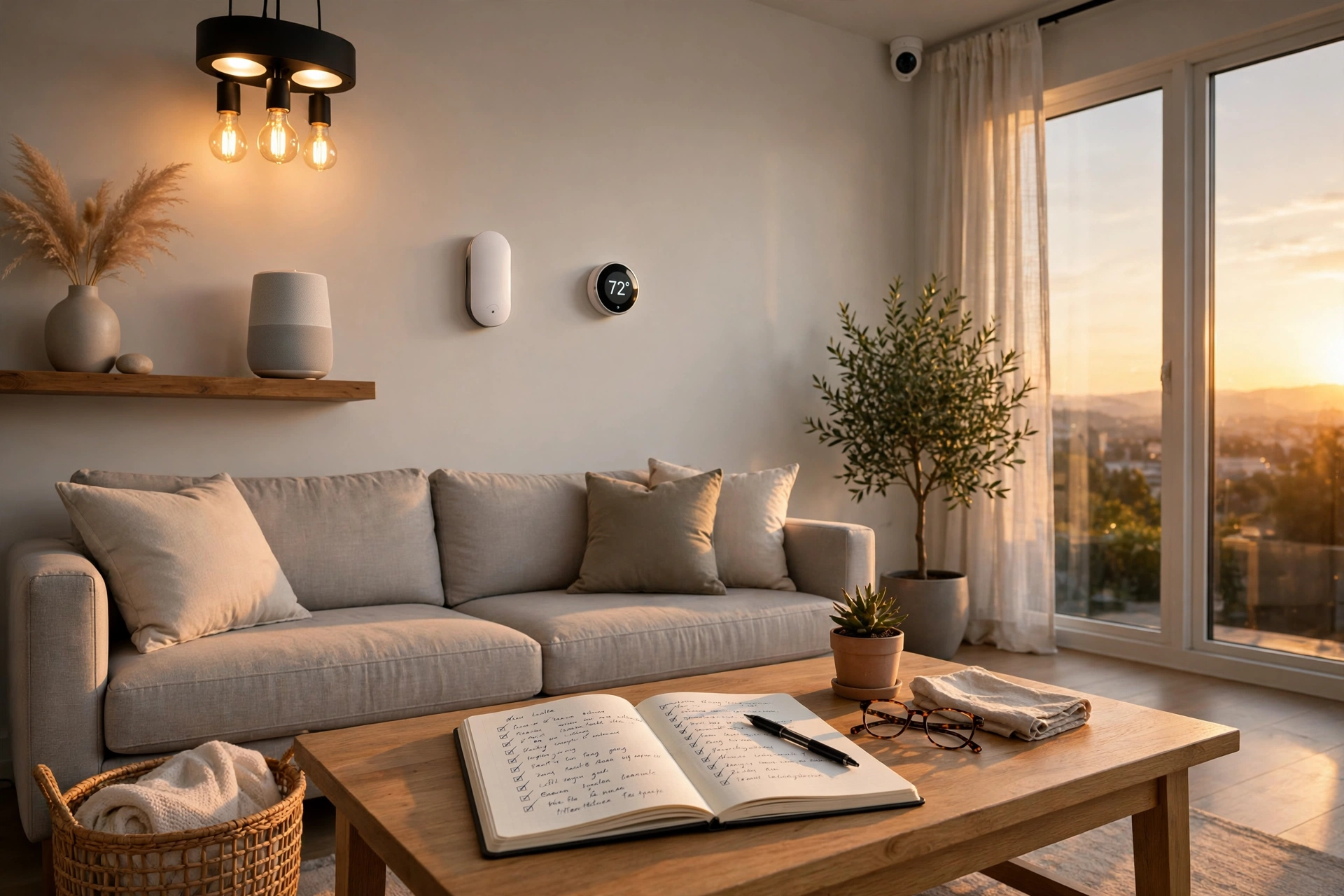
Document Your Smart Home: A Simple Setup Guide That Saves Hours Later
Key takeaway: To document your smart home, write down every device, hub, automation, and network detail in one private place you can actually find later. A simple spreadsheet or note — device, room, app, and what triggers each automation — turns hours of detective work into a five-minute lookup when something breaks, you move, or someone else needs to run the house.
Most smart homes grow one gadget at a time: a bulb here, a plug there, a doorbell, a thermostat. Each addition feels small. Together, they become a system nobody fully remembers — including the person who built it. That is exactly when documentation earns its keep.
Why you should document your smart home
Smart home writers who have done this put it bluntly: automations pile up, and when something odd happens — a vacuum starting at 3 p.m. every day, a light that refuses to turn off — the cause could live in the device’s own app, a voice assistant routine, or a third-party service like IFTTT. Without a written record, you are left guessing which one. One guide compares a smart home to a sprinkler system: it just works until it doesn’t, and then a map and inventory are the only way to find the fault quickly.
Documentation also pays off when you move house, hand the setup to a family member, claim on insurance after damage, or rebuild after a hub failure — all far easier when the setup exists in a note rather than only in one person’s head.
What to record when you document your smart home
Start with one row per device. You do not need a fancy tool — a spreadsheet or a notes app works, and experienced smart home owners often use tools like Obsidian for longer setup notes. For each device, record:
| Field | Example | Why it matters |
|---|---|---|
| Device and model | Smart plug, living-room lamp | Unbranded bulbs and plugs are hard to identify later, and apps do not always show the real brand. |
| Room and location | Living room, floor lamp by the sofa | Names like “Light 4” mean nothing during a fault; a location does. |
| Hub, app, and account | Connected via the Hue Bridge and Alexa | Tells you where the automation actually lives. |
| Power and battery | Battery type and last change | Batteries are the most common maintenance job in a mature setup. |
| Automation it belongs to | “Away mode” and “Good night” routines | So deleting or replacing a device does not silently break a routine. |
| Reset and pairing notes | Hold the button 10 seconds to reset | Saves a manual hunt when a device drops off the network. |
Then document the automations themselves, in plain language: what triggers them, what conditions apply, and what they do. “When the last phone leaves home, lock the doors and arm the sensors” is worth more than a screenshot of a rule you no longer understand. Name devices for the action a person should take — “water heater floor” beats “leak sensor 4” when water is actually on the floor. Finally, sketch the network: your router, hubs, and which devices use Wi-Fi, Zigbee, or Z-Wave. A simple list of hubs and their connections is enough to rebuild after a failure.
How to document your smart home in an afternoon
- Walk the house, room by room. Open every smart home app as you go and write down what you actually have — not what you think you have. Expect surprises; most households find forgotten plugs and bulbs.
- Give everything a clear name. Use the same room and device names in the hub, in notifications, and in your document, so all three agree.
- Write automations in plain sentences. Trigger, condition, action — one line each. Note which app or hub owns each one.
- Record the maintenance facts. Battery types, filter or bulb replacement dates, and where spares live.
- Store it somewhere private and findable. A note in your usual notes app, a spreadsheet, or a printed copy with your household papers — anywhere the next person will actually look.
Backups are part of the documentation
A written inventory is only half the safety net. If you run a hub like Home Assistant, its configuration is years of small decisions about how your home behaves, and it cannot be replaced by buying the hardware again. The maintenance guidance is consistent: keep backups automatic, stored off the device itself (for example on network storage or a cloud drive), in more than one generation, and tested at least once by restoring them. A backup you have never restored is a guess, not a plan.
What not to put in your smart home document
Keep passwords out of it. Your document should say which account or password manager holds the login, never the password itself. The same goes for Wi-Fi passwords, alarm codes, and camera credentials: point to the secure place, do not copy the secret. And keep the whole document private. A file that lists every camera, lock, sensor, and network address in your home should never be posted publicly or shared as a link — store it where only your household can reach it.
Analysis: documentation is maintenance, not setup
The real insight here is a shift in how to think about a smart home. Setup guides treat it as a project with a finish line. In practice it is infrastructure, like plumbing or wiring, and infrastructure needs a maintenance record. The households that struggle are rarely the ones with the most devices; they are the ones whose setup exists only as memory. A one-afternoon inventory, updated whenever something changes, is the cheapest upgrade a smart home can get.
If USABite’s guides help you, consider adding us as a preferred source in Google Search so our explainers show up first when you search.
Frequently asked questions
What should I include when I document my smart home?
For each device, record its name and model, room and location, the hub and app that control it, its power source, and which automations depend on it. Then write each automation in plain language — trigger, condition, and action — and note which app or hub owns it. A short network sketch showing routers and hubs completes the picture.
How often should I update my smart home documentation?
Update it whenever you add, remove, or move a device, or change an automation — small edits as you go beat a big rewrite once a year. Also review it briefly once a year: check battery records, confirm backups are still running, and remove devices you no longer own.
Should I write passwords in my smart home document?
No. Never write Wi-Fi passwords, alarm codes, camera logins, or account passwords in the document. Instead, note which password manager or account holds each login. Keep the document itself private, since it maps out your cameras, locks, and sensors.
What is the best tool to document a smart home?
Whatever you will actually maintain. A spreadsheet works well for a device inventory, a notes app like Obsidian suits longer setup notes and diagrams, and a printed copy helps family members who do not use your apps. Many experienced owners combine a spreadsheet inventory with short written notes per device.
Do I need to document a small setup with just a few devices?
Yes, even a short version helps. A few bulbs and a speaker still involve multiple apps and accounts, and the same forgetfulness applies. A one-page list of devices, apps, and routines is enough for a small setup, and it makes growing it later much easier.
Sources
- You Should Keep a Handbook for Your Smart-home Automations
- Documenting My Smart Home — Rosemary Orchard
- Practical home automation tips — Home Automation Cookbook
- How Do I Maintain a Home Assistant Setup? — CtrlSpace
- Create a Home Operating System, Part 2: Security & Automation — Everplans
- Automation Implementation Explained: How to Plan, Pilot, and Scale Automation That Actually Works
- Maintenance Task Automation: What It Is and How It Works in 2026
- Apple ‘Welcome Home’ Event: HomeView Smart Display, HomePod Mini 2, and Apple TV 4K Explained