Business Process Testing Automation Explained: What It Is, How It Works, and When to Use It
Key takeaway: Business process testing automation checks a whole business workflow — from its first trigger to its final outcome — by running reusable, business-focused test components automatically. Instead of testing one screen or function in isolation, it verifies handoffs, approvals, rules, and data transfers across connected systems, so teams catch broken processes before customers do.
Most software testing checks whether a single feature works. Business process testing (BPT) asks a bigger question: does the entire process work, end to end, the way the business intends? When that checking is automated, the same end-to-end scenarios can run on every release, without a tester repeating the same clicks by hand. This guide explains what business process testing automation is, how it works, what it costs, and when it is — and is not — the right move.
What is business process testing automation?
Business process testing automation is the practice of automatically verifying end-to-end business workflows rather than individual components. A business process is a sequence of activities designed to achieve a specific business goal — for example, an employee submitting an expense claim, a manager approving it, finance processing payment, and the system recording the transaction. BPT checks that whole chain, including the handoffs, approvals, exceptions, and data transfers between steps, not just one screen or software function (Process Street).
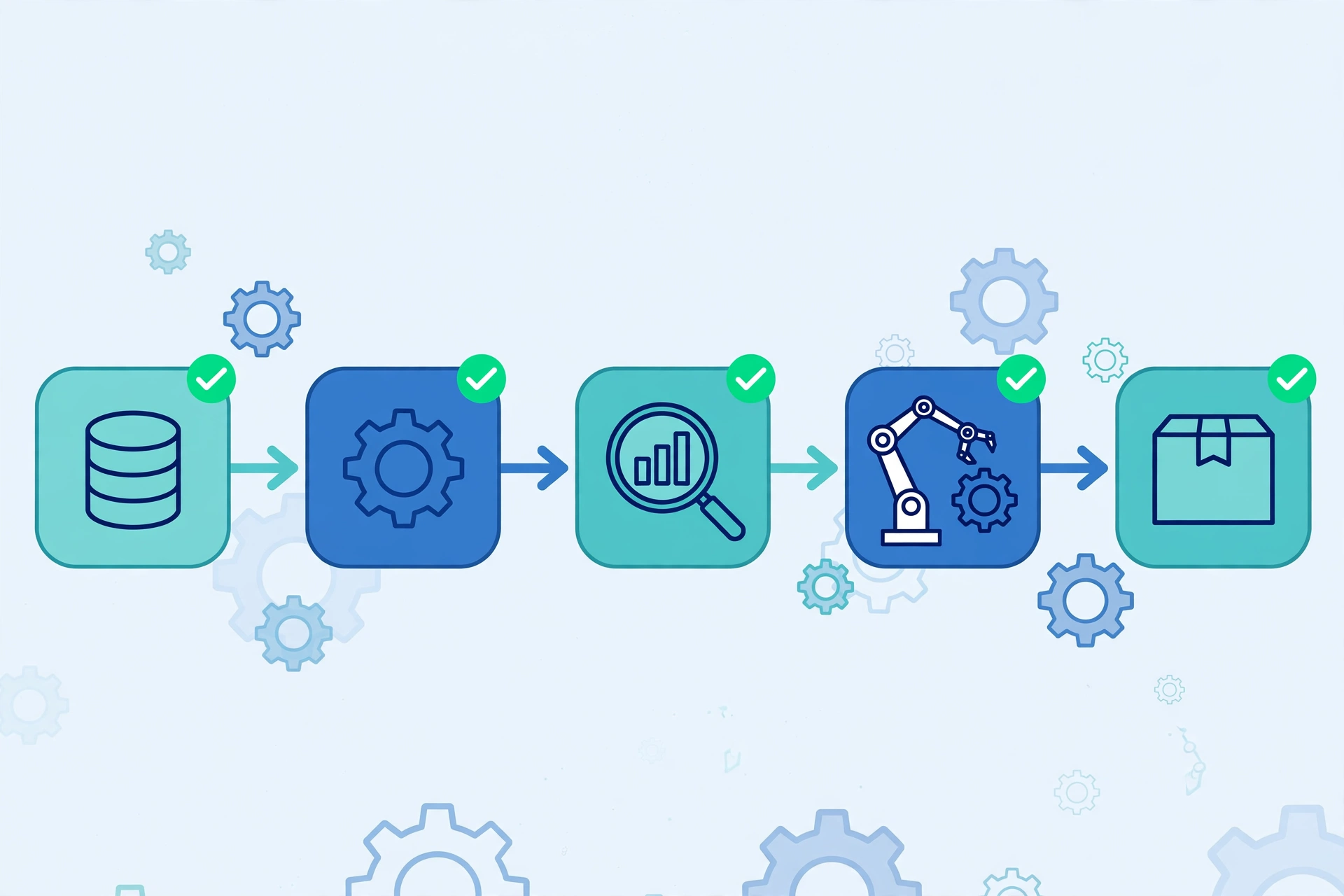
The framework behind BPT is component-based. Subject-matter experts define the business steps, and automation engineers turn those steps into reusable components. A component validates one specific action, a flow arranges components in order, and the full business process test validates the process from its starting trigger to its final outcome (Process Street). Because components are reusable, a change to one step — say, a new approval rule — is fixed in one component rather than rewritten across dozens of scripts.
This is also why BPT differs from ordinary test automation. Traditional script-driven testing tends to focus on user interfaces and individual functions, with scripts that are hard to reuse. BPT was created to fix that: it supports reusability in the testing environment and lets business users participate in defining what should be tested (OpKey).
How business process testing automation works
A typical automated BPT effort follows five steps:
- Identify the critical processes. Pick the workflows that matter most to the business — high-volume, high-risk, or compliance-sensitive ones — and prioritise them by complexity, frequency, and importance.
- Define test scenarios. Map the trigger, expected result, owner, systems, rules, and handoffs for each process, then cover the expected path plus edge cases: missing data, rejected approvals, duplicate submissions, permission limits, and integration outages.
- Build reusable components. Automation engineers convert each business step into a component, so the same login, approval, or payment step can be reused across many process tests.
- Assemble flows and run them. Components are chained into flows that mirror the real process, then run automatically — often on every release or nightly — with results reported in a dashboard.
- Maintain and extend. When the process changes, only the affected component is updated, and the whole suite re-runs to confirm nothing else broke.
BPT blends manual and automated testing deliberately. It was designed to address the coordination problems of fully automated frameworks — high maintenance effort and poor coordination between manual testers, subject-matter experts, and automation engineers — by giving each role a defined part in the same test model.
Business process testing automation vs other testing approaches
| Approach | What it tests | Who defines the tests | Best for |
|---|---|---|---|
| Business process testing (automated) | End-to-end workflows across systems | Business experts + automation engineers together | Regression of critical business processes |
| Traditional script-driven automation | Individual screens and functions | Automation engineers | Stable UI and API checks |
| Manual testing | Anything, by hand | Testers and business users | Exploratory testing, judgement-heavy approvals, new features |
| Unit testing | Single code units | Developers | Catching defects at the source, right after code is written |
For readers comparing related automation ideas, our explainers on business automation workflows, types of process automation, and manual process automation set out where BPT fits in the wider picture.
What does business process testing automation cost?
There is no single price tag: cost depends on the tool, the number of processes automated, and whether the team builds components in-house or buys a platform. The honest way to judge it is against the manual alternative. Automated testing can cut regression cycles dramatically — one vendor analysis reports regression time falling from two to three days to under four hours, and pull-request validation from about 90 minutes to about 15 minutes — and can reduce quality engineers’ time on repetitive testing by 40% to 70% (Keploy). Those figures are vendor-reported examples, not guarantees, but they show where the payback comes from: the same suite runs again and again at near-zero marginal cost.
The upfront costs are real, though: tool licences, time to map processes and build components, test-data setup, and ongoing maintenance when applications change. Teams that automate unstable or rarely-run processes often spend more building the tests than they save running them. The strongest return comes from stable, high-frequency processes — regression suites, API checks, data validation, and permission checks — run on every release.
What you need before you start (prerequisites)
Four things need to be in place before automation pays off. First, documented processes: if nobody can state the expected outcome, the approval rules, and the exception paths, there is nothing reliable to automate. Second, stable applications: automating a workflow that changes weekly means constantly repairing components. Third, realistic test data, including edge-case data such as duplicates, rejected approvals, and missing fields. Fourth, the right mix of people: business experts who own the process definition, automation engineers who build the components, and QA testers who set expected results and analyse failures. BPT’s role-based model only works when all three groups actually collaborate.
Benefits, limits, and risks
The benefits are well established. Automation testing reduces manual effort, increases test coverage, and shortens release cycles compared with manual testing, and automated tests can run around the clock, catching defects earlier in development (OpKey). Automated tests also document the process and its results, which helps demonstrate compliance to auditors. For business processes specifically, automation of repetitive, complex, time-sensitive, high-volume tasks reduces human error and standardises how processes are checked (Indeed).
The limits matter just as much. Automated BPT works best on paths that are stable, repeatable, and expensive to verify by hand. Exploratory testing, judgement-heavy approvals, and rapidly changing process branches should stay under human review. Other risks include brittle components when applications change without warning, false confidence from a suite that only covers the happy path, and test-data problems — for example, tests that pass only because they use clean, unrealistic data. A suite that never tests rejections, duplicates, or outages is not really testing the business process.
Analysis: where BPT earns its keep
Analysis: BPT automation earns its keep in exactly one place — the boring, business-critical paths that must work identically on every release. Order-to-cash, claims handling, employee onboarding, and purchase approvals are the classic candidates: high volume, clear rules, and expensive when broken. Where it fails is when teams treat it as a shortcut — automating undocumented processes, or automating everything instead of the stable core. The component model is the real innovation, not the automation itself: reusable business components are what keep maintenance costs down over years, while one-off scripts quietly become the most expensive tests a team owns. Start with one critical process, prove the suite survives two real releases, and only then expand.
Frequently asked questions
What is business process testing automation in simple terms?
It is the automatic checking of a complete business workflow, from start to finish, using reusable test building blocks. Instead of a person clicking through an expense claim or order process by hand, software runs the whole scenario — including approvals, rules, and data transfers between systems — and reports whether the outcome matches what the business expects.
How is business process testing different from regular test automation?
Regular test automation usually checks individual screens, functions, or APIs in isolation. Business process testing checks the end-to-end process across people, rules, data, and connected systems. It is also component-based and role-based: business experts define the steps, automation engineers build reusable components, and QA testers set expected results and analyse failures.
Which business processes should be automated first?
Start with processes that are stable, repeatable, high-volume, and expensive to verify by hand — for example, regression scenarios, API checks, data validation, and permission checks. Keep exploratory testing, judgement-heavy approvals, and rapidly changing process branches under human review, since automating them costs more in maintenance than it saves.
What tools are used for business process testing automation?
Tools range from enterprise frameworks such as OpenText Application Quality Management with UFT One, which pioneered the component-based BPT model, to no-code and AI-assisted platforms such as OpKey for ERP systems, plus general automation tools like Selenium for UI steps and Cucumber or Gauge for behaviour-driven test definitions. The right choice depends on the applications being tested and whether business users need to define tests without coding.
Does business process testing automation replace manual testers?
No. It replaces repetitive manual execution, not human judgement. Manual testers still define expected results, explore new features, investigate failures, and handle judgement-heavy approvals. One vendor analysis reports automation cutting repetitive QA effort by 40 to 70 percent, freeing testers for higher-value work such as exploratory testing — it does not remove the tester from the process.
Sources
- Process Street — How Business Process Testing Can Make Your Team Work Better
- OpKey — What is Business Process Testing
- Keploy — Benefits of Test Automation That Improve Release Confidence
- OpKey — The Top 10 Benefits of Automation Testing
- Indeed — Automation Of Processes (With Definition And Examples)