Conversational AI for Employee Support Explained: What It Is, How It Works, and Where It Pays Off
Key takeaway: Conversational AI for employee support is AI software that answers staff questions and completes routine HR and IT tasks through chat, instead of making employees file a ticket and wait. It works best on high-volume, policy-based requests such as password resets and leave balances, while sensitive or complex cases should still go to a human.
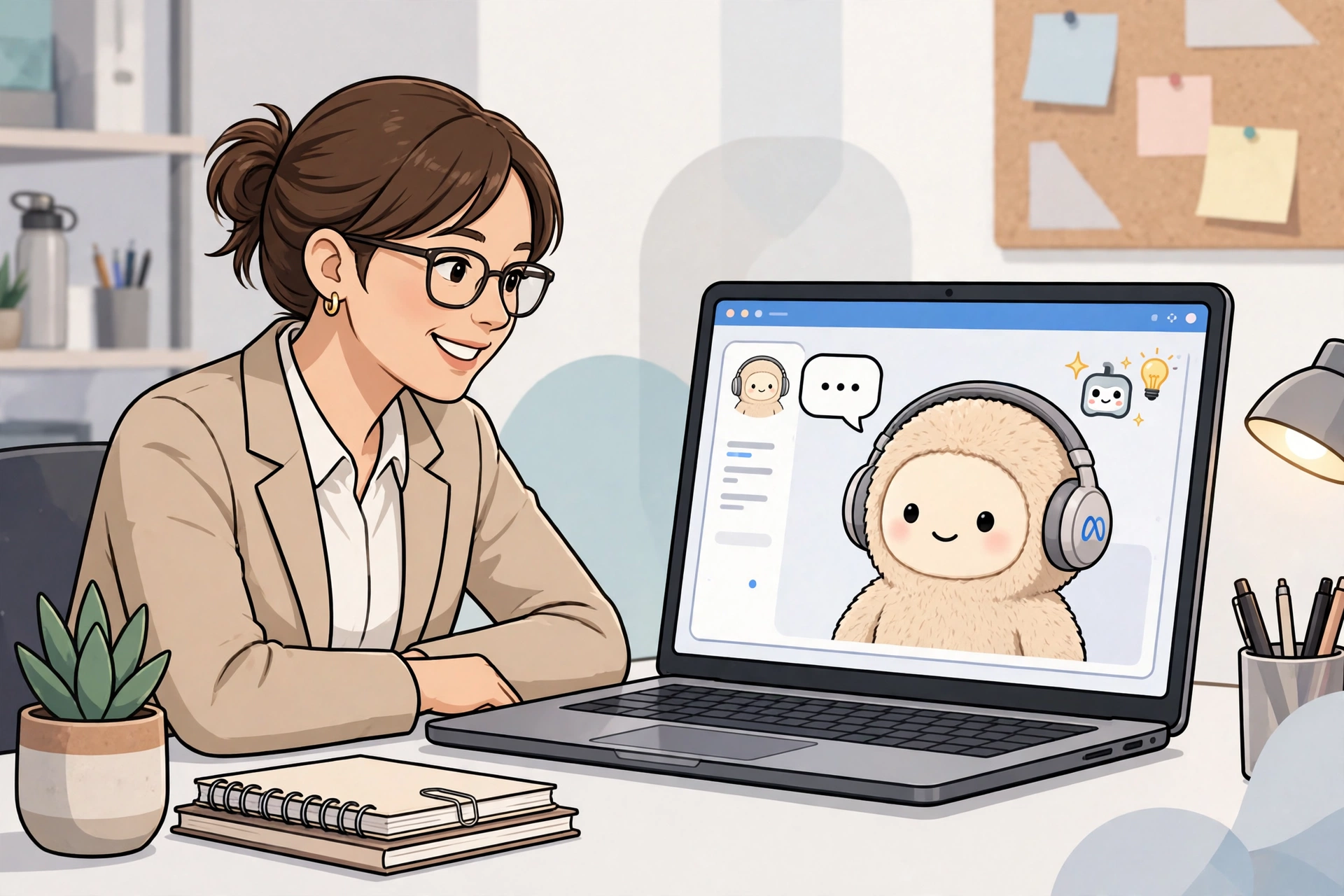
Ask an employee what slows their day down and the answer is rarely the work itself. It is the password reset, the leave-balance question, the benefits form buried in a system nobody remembers. Conversational AI for employee support clears that friction: staff ask in plain language, and an AI assistant answers, or completes the task, in the same chat window.
What is conversational AI for employee support?
Conversational AI for employee support is the internal version of a shopping-site chatbot, but connected to company systems. It understands natural-language questions, looks up answers in a knowledge base or HR and IT system, and either replies directly or triggers a workflow, such as a password reset or leave request.
Unlike a simple FAQ bot, it can personalise answers: it knows who is asking, so it can check that person’s leave balance rather than quoting a generic policy page. That is also why it needs strict access controls, covered below.
How conversational AI for employee support works
Most deployments follow four steps: interpret the question (including follow-ups), search approved knowledge sources such as HR policy pages and IT guides, answer directly or run a workflow, and hand the full conversation to a human when confidence is low or the topic is sensitive.
ServiceNow’s own deployment of its Now Assist generative AI illustrates the pattern: adding AI-assisted search to its employee portal lifted its employee deflection rate, the share of questions resolved without an agent, by 14 percent.
What employees actually use it for
The highest-value uses cluster in three areas: IT support (password resets, VPN problems, software access, device troubleshooting), HR (leave balances, benefits questions, payroll dates, policy lookups), and onboarding (account setup, mandatory training, first-week tasks without waiting for a human).
Zendesk’s 2025 IT report, based on 1,000 IT leaders and 1,000 employees, found 95 percent of IT leaders reported measurable improvements to IT service metrics from AI, and 74 percent of employees said even a minor technical hiccup can derail their day. That gap is the business case in one sentence.
Conversational AI vs chatbots vs AI agents
| Tool | What it does | Best for |
|---|---|---|
| Rule-based chatbot | Follows scripted menus and keyword matches | Simple, fixed FAQs |
| Conversational AI assistant | Understands free-form language and personalises answers | Day-to-day HR and IT questions |
| AI agent | Plans and executes multi-step tasks across systems, within set permissions | Resolving requests end to end |
ServiceNow’s newer Level 1 Service Desk AI specialist sits in the third category: CIO reports the company says it already handles more than 90 percent of its internal employee requests. Treat that as a vendor claim about its own deployment, not a result others should expect on day one.
What it costs, and what it saves
Pricing varies widely, from a chatbot included in an existing helpdesk licence to a six-figure enterprise rollout. Judge cost against ticket volume: deflecting a fraction of thousands of monthly repeat questions pays for the tool quickly; for dozens, a simple knowledge base may be cheaper.
The wider market shows the scale on offer. Gartner figures compiled by QueryPal project conversational AI will cut contact-centre labour costs by $80 billion in 2026, and agentic AI could autonomously resolve 80 percent of common service issues by 2029. Those are customer-service projections, not internal guarantees. On productivity, the independent NBER study “Generative AI at Work” measured a 14 percent average rise in issues resolved per hour among agents using a generative-AI assistant, rising to about 34 percent for less-experienced agents, as summarised by Coworker.ai.
What you need before you roll it out
Three prerequisites decide success: a clean knowledge base (outdated policy pages mean confidently outdated answers), system connections (without HR and IT access, it can only quote articles, not complete tasks), and permissions plus audit trails (it must only see what the employee may see, with every action logged). Training matters too: 55 percent of agents say they have had no generative-AI training, though 72 percent of leaders believe they provided it.
Risks and limits
Analysis: The biggest risk is quiet inaccuracy: a wrong leave balance or misstated policy can cost an employee real money, and they may not double-check a confident-sounding answer. Sensitive topics are a hard boundary: grievances, disciplinary matters, and mental-health conversations need a human. Privacy is the other limit, since the assistant touches payroll and health data, so access and retention rules must be settled before launch. Automate the repeatable; escalate the consequential.
What to watch next
The shift to watch is from assistants that answer questions to agents that finish jobs across several systems in one conversation. The winners will be deployments that prove accuracy and auditability first, because one public payroll error will undo a year of deflection gains.
Frequently asked questions
What is conversational AI for employee support?
Conversational AI for employee support is AI software that answers staff questions and completes routine HR and IT tasks through chat. It understands plain-language questions, looks up answers in company knowledge bases and systems, and either replies directly or runs a workflow such as a password reset.
How is conversational AI different from a chatbot?
A basic chatbot follows scripted menus and keyword matches, while conversational AI understands free-form language and personalises answers using the employee’s own data, such as their leave balance. AI agents go further by planning and executing multi-step tasks across systems within set permissions.
What tasks can conversational AI handle for employees?
It handles high-volume, repeatable requests best: password resets, VPN troubleshooting, software access, leave balances, benefits questions, payroll dates, and onboarding steps. Complex, sensitive, or judgement-based cases should still be escalated to a human agent.
Does conversational AI replace HR and IT support teams?
No, it changes what those teams spend time on. Routine questions get deflected to self-service, freeing human agents for complex cases, while the AI still hands over whenever confidence is low or a topic is sensitive. Research shows productivity gains concentrate among less-experienced agents, who benefit most from AI assistance.
What should a company fix before launching employee conversational AI?
It should clean up its knowledge base, connect the assistant to HR and IT systems, set strict permissions so employees only see their own data, and train support staff properly. Without accurate source content and audit trails, the assistant risks giving confident but wrong answers on matters like pay and leave.
Sources
- Zendesk, AI Propels IT Beyond the Help Desk (2025 IT Report)
- ServiceNow, Now on Now: Now Assist
- CIO, ServiceNow plans automation of L1 Service Desk roles
- QueryPal, AI Customer Service Statistics and Data to Know in 2026 (Gartner and Salesforce figures)
- Coworker.ai, 40 AI Customer Service Statistics for 2026 (NBER Generative AI at Work study)