What Is a Checksum Error? Meaning, Causes, and Fixes
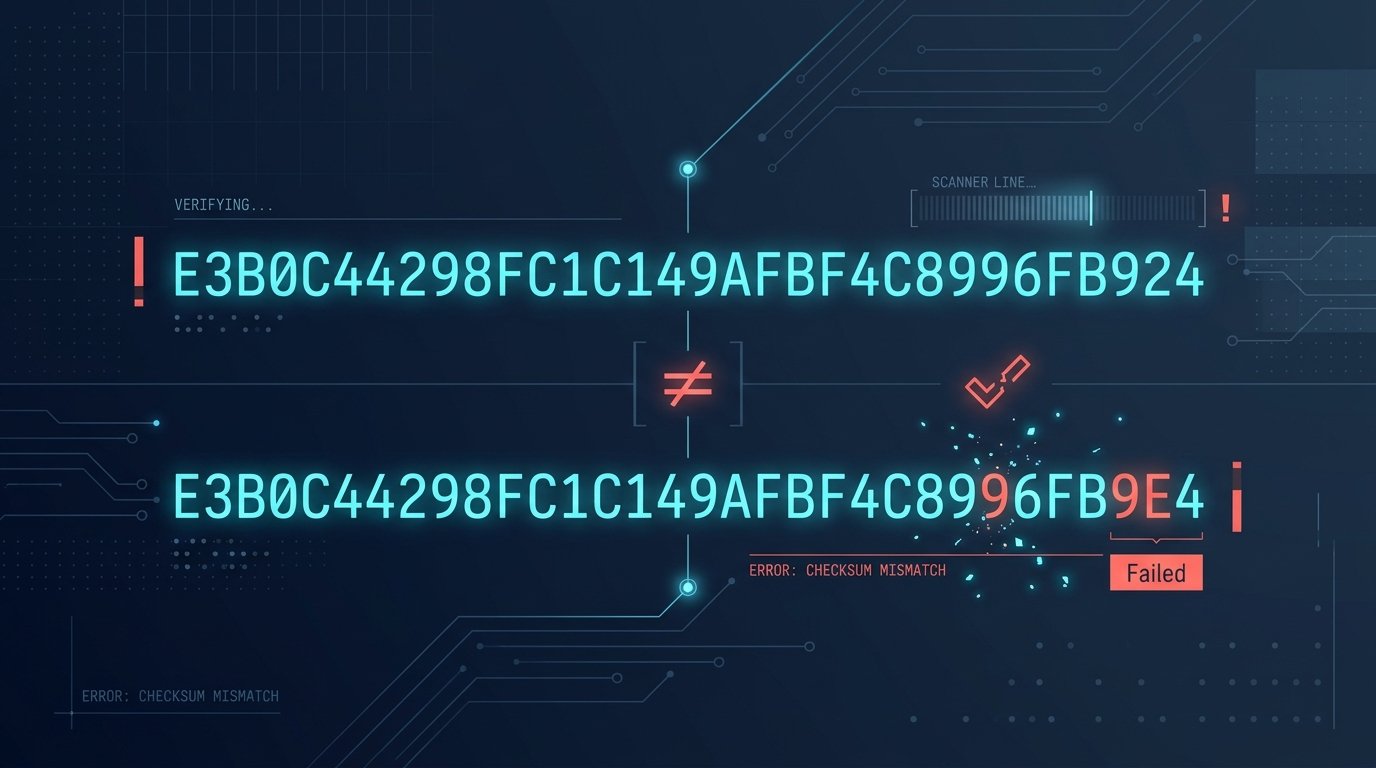
A checksum error happens when a computer verifies a file, archive, or firmware setting and discovers that its calculated digital fingerprint does not match the expected value. Think of a checksum as a tamper-evident seal on a package. Before a file is sent or saved, a mathematical algorithm scans its raw bytes and produces a short string of letters and numbers. When your system receives or opens that data later, it runs the same calculation again. If the two values do not match, your device triggers a checksum mismatch and stops the process rather than letting corrupted or altered data run (Flamingo; PyNet Labs).
Understanding this error matters because it rarely means your computer is permanently broken. Depending on where the warning appears, the fix can be as simple as re-downloading a ZIP file or replacing a cheap motherboard battery.
How a Checksum Works and Why Mismatches Happen
Every file on your device is made of binary data. Algorithms such as CRC32 (Cyclic Redundancy Check), MD5, and SHA-256 process that data and output a fixed-length string called a hash or checksum (Cisco). Even if a single bit flips during a download or disk write, the recalculated checksum changes completely.
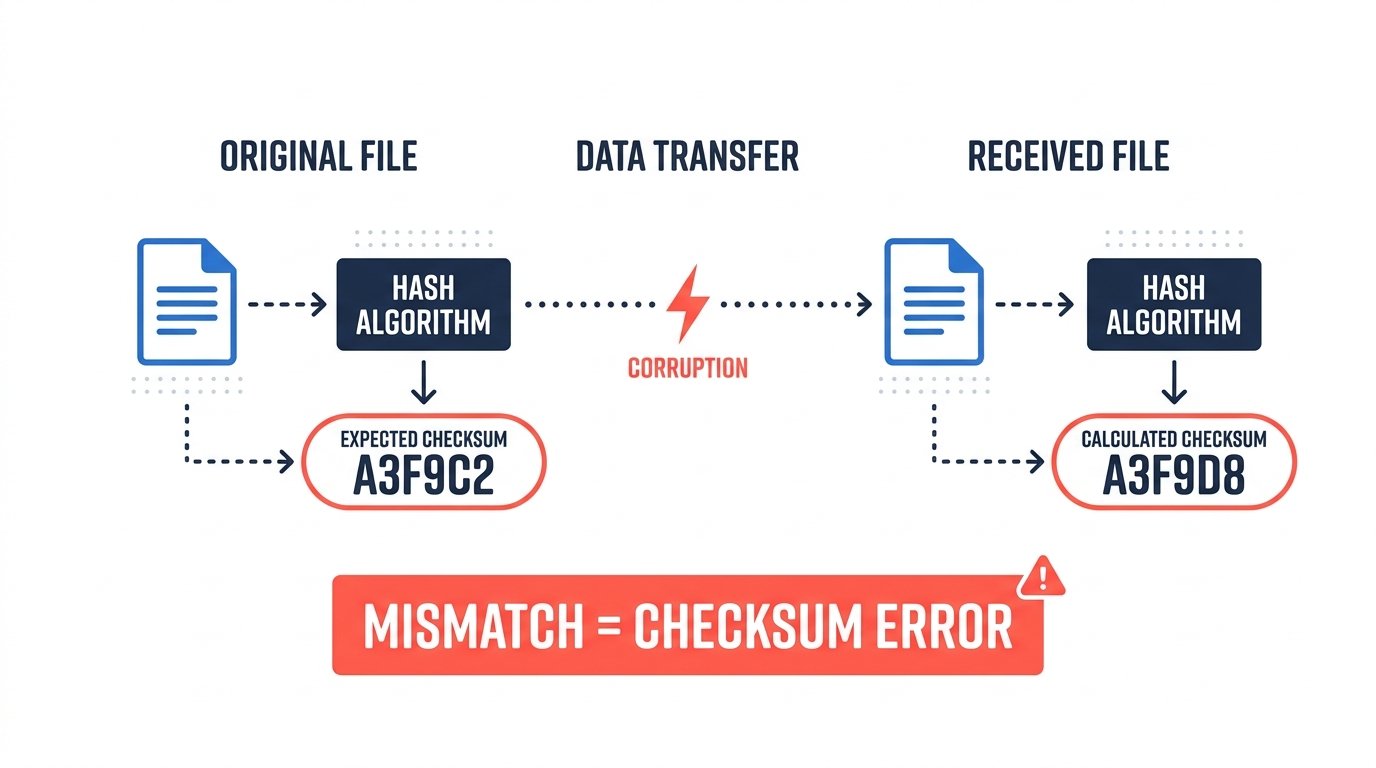
A checksum only detects damage; it does not tell you which byte changed, nor can it automatically repair the file on its own (Coddy Tech). Instead, it acts as an early warning system so you do not install a broken update, extract damaged documents, or boot with unstable firmware settings.
Common Types of Checksum Errors
The exact wording varies by software, and where you see the message points straight to the cause:
- Download and installer errors: Messages like checksum mismatch or invalid checksum appear when verifying software packages, disk images (ISO files), or system updates against a publisher’s SHA-256 or MD5 hash (Rublon Help).
- Archive extraction errors: Tools like WinRAR and 7-Zip report Checksum error or CRC failed when a compressed .zip, .rar, or .7z file is incomplete, damaged, or extracted with the wrong password (WinRAR FAQ; Flamingo).
- Startup BIOS and CMOS errors: Seeing CMOS checksum error or CMOS checksum bad — default configuration used before Windows loads means your motherboard firmware could not validate its saved startup settings (ITU Online).
- Storage and network errors: File systems, backups, and network protocols (such as TCP/IP) also run continuous checksum checks to catch silent bit rot, bad drive sectors, or dropped network packets (PyNet Labs).
Main Causes Behind a Checksum Error
Most checksum failures trace back to one of five everyday issues:
- Interrupted downloads or transfers: A brief Wi-Fi drop, browser crash, or unplugging a USB drive mid-copy leaves missing bytes in the file (Remo Software).
- A weak CMOS battery: On desktops and older laptops, the coin-cell battery on the motherboard preserves BIOS time and hardware settings when powered off. As it drains, CMOS memory corrupts and triggers boot-time checksum warnings (ITU Online).
- Faulty RAM or failing storage: If unrelated downloads and programs keep throwing checksum errors, bad sectors on an SSD/HDD or an unstable memory stick may be corrupting data as it is written (Nextechforce).
- Using the wrong hash algorithm: Comparing a file’s MD5 hash against a publisher’s SHA-256 reference will always fail, even if the file is intact (Rublon Help).
- Deliberate file tampering: In rare cases, a mismatch on a software download can signal that the file was altered by malware or hosted on an untrusted mirror (Bitkode).
How to Fix a Checksum Error Step by Step
Match your troubleshooting to where the error appeared instead of guessing.
Fixing Download and Archive Checksum Errors
Start by deleting the broken file and downloading it again from the official source over a stable connection. If you are extracting a .rar or .zip file, double-check the password if the archive is encrypted, and try opening it in a second tool such as 7-Zip. In WinRAR, you can also open the archive, go to Tools > Repair archive, or enable Keep broken files during extraction to salvage intact items from a lightly damaged archive (Remo Software). Never run an executable installer whose SHA-256 checksum fails after a clean re-download.
Fixing BIOS and CMOS Checksum Errors
If the warning appears at startup, restart your PC and enter BIOS/UEFI setup. Verify the system date, time, and boot order, then select Load Optimized Defaults (or Setup Defaults), save, and reboot (ITU Online). If the clock keeps resetting or the error returns every time you unplug the computer, replace the motherboard’s CMOS battery (usually a standard CR2032 cell). Only re-flash the BIOS from the motherboard manufacturer’s official website if the error started immediately after an interrupted firmware update.
Checking Hardware for Recurring Errors
When multiple unrelated files fail integrity checks on the same machine, test your hardware. Run Windows Memory Diagnostic to check for faulty RAM and inspect your storage drive’s health (SMART status) before trusting the disk with important backups (ITU Online).
How to Verify a File Checksum Yourself
You do not need third-party software to verify a download. Every major operating system includes built-in command-line tools to compute a SHA-256 hash and compare it against the publisher’s value (Akamai TechDocs; Microsoft Learn):
| Operating System | Built-In Tool | Command to Compute SHA-256 Checksum |
|---|---|---|
| Windows (PowerShell) | Get-FileHash | Get-FileHash C:\path\to\file.zip -Algorithm SHA256 |
| Windows (Command Prompt) | certutil | certutil -hashfile "C:\path\to\file.zip" SHA256 |
| macOS (Terminal) | shasum | shasum -a 256 /path/to/file.zip |
| Linux (Terminal) | sha256sum | sha256sum /path/to/file.zip |
Compare the output string against the checksum published on the download page. Capitalization does not matter — uppercase and lowercase hex letters represent the same value — but every single character must match (Rublon Help).
Frequently Asked Questions
Does a checksum error mean my file has a virus?
Not automatically. Most mismatches come from interrupted downloads, unstable internet, or storage glitches. Still, if an official software installer repeatedly fails its SHA-256 check from the same mirror, delete it and avoid running it (Bitkode).
Can a checksum fix a corrupted file?
No. A checksum only confirms whether data is intact. Repairing damaged bytes requires re-downloading the file, restoring from a backup, or using formats with dedicated error-correcting codes such as Reed-Solomon (Coddy Tech).
Should I use MD5 or SHA-256 to verify downloads?
Always prefer SHA-256 for security-sensitive downloads. MD5 is still fine for quick accidental-corruption checks, but it is cryptographically broken and should not be trusted to detect deliberate tampering (FolderManifest).