HRIS Automation Explained: What It Is, How It Works, and When to Use It
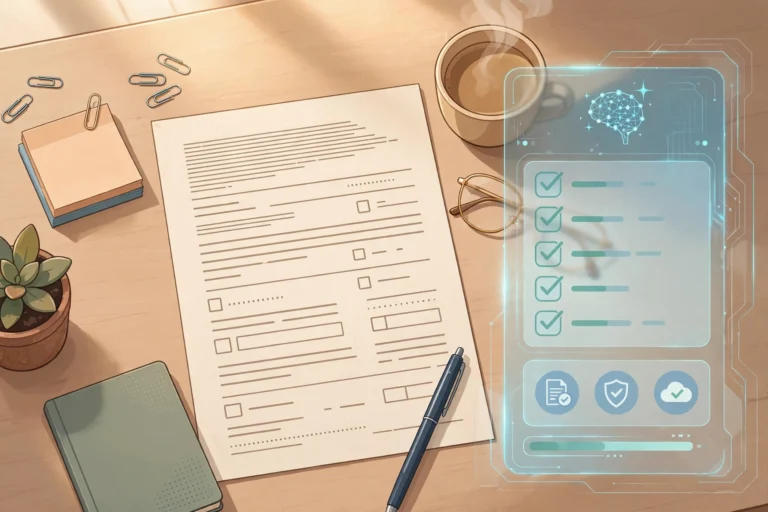
Key takeaway: HRIS automation uses a human resource information system to run routine HR work — payroll, time tracking, benefits, and onboarding — from one central employee database instead of spreadsheets and paper forms. It cuts repetitive admin and record errors, but only pays off when HR data is clean before launch.
What Is HRIS Automation?
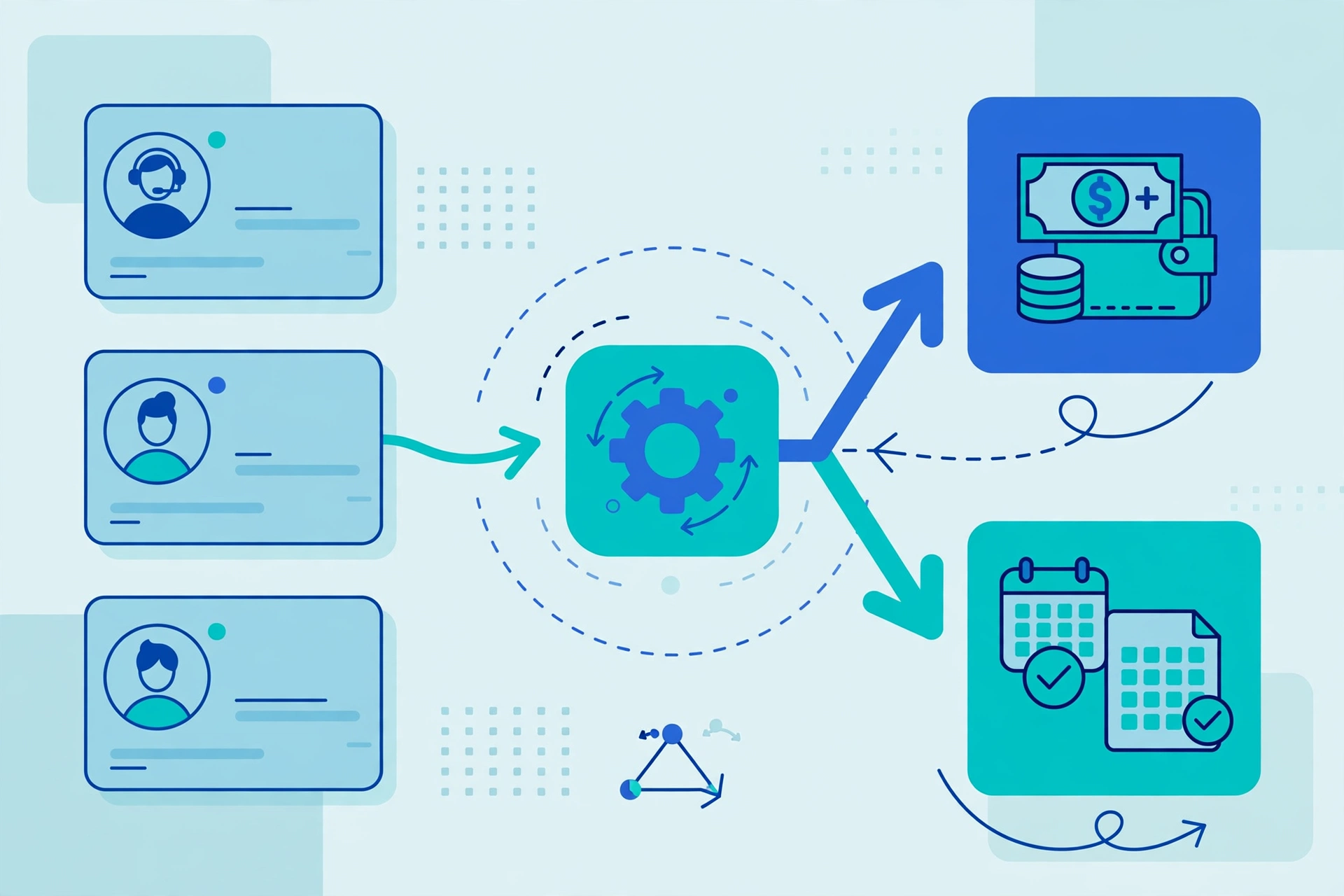
HRIS automation is the use of a human resource information system (HRIS) to carry out core HR processes automatically rather than by hand. SAP, which builds HR software, defines an HRIS as a system companies use to manage and automate core HR processes such as payroll, time tracking, and the administration of employee benefits, with employee data stored in one place. When an employee’s pay, manager, or leave balance changes, every connected workflow sees the same updated record instead of a different spreadsheet copy.
Modern HRIS platforms go beyond record-keeping. SAP notes that current systems increasingly use AI to deliver recommendations and detect irregularities, for example flagging a payroll anomaly. That is the difference between a database and automation: the system moves work forward on its own.
What an HRIS Automates
HRIS automation covers the repeatable, rule-based parts of HR. The table below maps the main areas to what gets automated — and what still needs a human.
| HR area | Automated | Still needs a human |
|---|---|---|
| Payroll | Salary and deduction calculations, payslips, tax reporting | Exceptions, disputes, audits |
| Time and attendance | Clock-ins, leave balances, overtime rules | Unusual leave, conflicts |
| Benefits | Enrolment windows, eligibility checks, self-service changes | Advice on complex choices |
| Onboarding and offboarding | Document collection, account checklists, compliance forms | Welcome, training, exit talks |
| Compliance reporting | Statutory reports, record retention, audit trails | Interpreting new regulations |
The pattern is consistent: the system handles paperwork, calculations, and chasing, while people keep the judgement calls. That division is why HRIS automation pairs well with self-service portals — employees update their own details and request leave directly, the same model covered in our guide to self-service portal automation.
HRIS vs HRMS vs HCM: How They Compare
Three overlapping terms confuse buyers, because vendors use them interchangeably. Read them as a spectrum of scope: an HRIS is the administrative foundation, an HRMS adds process automation, and HCM adds strategic workforce planning.
| System | Full name | Primary scope | Best fit |
|---|---|---|---|
| HRIS | Human Resource Information System | Core employee data and basic reporting | Small teams fixing unreliable records |
| HRMS | Human Resource Management System | HRIS plus payroll, onboarding, performance | Growing companies with regular payroll cycles |
| HCM | Human Capital Management | HRMS plus workforce planning, learning, succession | Larger organisations with board-level people strategy |
Before buying, check the feature list, not the label: a product marketed as an HRIS may already include payroll and performance tools, and an HCM suite may be an HRMS in practice.
Why It Matters: The Admin Burden Is Measurable
Eagle Hill Consulting’s HR Technology and Service Delivery Survey, reported in September 2026, found that 51% of HR professionals spend at least half of their workweek on routine, repetitive, or low-value administrative work, and 70% said that admin time often prevents them from focusing on more strategic priorities. In the same survey, 86% said automation or AI helps them deliver better service to the business, and 91% said it makes it easier to access the information they need.
Those numbers frame HRIS automation as a capacity decision, not a headcount decision: recovered hours go to recruiting and retention, the work that cannot be scripted.
What HRIS Automation Costs
HRIS automation is usually priced per employee per month, plus a one-time implementation fee, with the HRIS tier the most affordable, HRMS in the middle, and HCM the most expensive. Exact prices vary widely by headcount, modules, and contract length, so treat any single quoted figure as a starting point, not a market rate.
The real cost drivers are implementation and data cleanup: migrating messy records, configuring payroll rules, and integrating with existing payroll or accounting tools. Ask vendors to price implementation separately from the subscription, and confirm what happens to your data if you leave.
What You Need Before You Automate
Four prerequisites matter most. First, clean the data: duplicate records and inconsistent job titles will automate your errors at scale. Second, map workflows on paper first — who approves leave, what triggers a payroll change, which reports regulators require — so the system encodes your real process, not a vendor’s template. Third, confirm the integrations: payroll, accounting, and time-tracking tools must connect, or staff will re-enter data by hand. Fourth, plan access controls from day one, since the system holds pay and personal data.
Risks and Limits of HRIS Automation
HRIS automation has real limits. Automated payroll still produces wrong results from wrong inputs, and errors now reach every employee at once instead of one spreadsheet row. Self-service only helps if employees use it; a confusing portal recreates the email queue it was meant to replace. Vendor lock-in is genuine, since migrating years of HR history is painful, and AI features vary widely between vendors — test recommendations against your own data rather than trusting demos. Finally, automation does not fix unclear HR policy: if nobody agrees on the leave-approval rule, the system enforces the confusion faster.
Analysis: Automate the Paperwork, Keep the People Work
Analysis — this section is our assessment, not a reported fact. The strongest rollouts share one sequence: payroll and time tracking first, self-service second, performance and analytics last. Payroll accuracy builds trust in the system, and trust is what gets employees to use self-service. The practical test is simple: if HR staff still re-key the same information into two systems, an HRIS will help; if the problem is unclear policy, software will only scale the existing problem.
Frequently Asked Questions
What does HRIS stand for?
HRIS stands for Human Resource Information System. It is software that stores core employee data — records, pay, benefits, and compliance information — in one central system and automates routine HR processes such as payroll, time tracking, and benefits administration, replacing spreadsheets and paper forms.
What is the difference between HRIS, HRMS, and HCM?
An HRIS is the administrative foundation: employee records and basic reporting. An HRMS adds workflow automation across the employee lifecycle, including payroll, onboarding, and performance management. HCM is the broadest layer, adding strategic workforce planning, learning and development, succession, and advanced analytics. Vendors use the terms loosely, so compare feature lists rather than labels.
How much does HRIS automation cost?
Most HRIS products are billed per employee per month plus a one-time implementation fee, with HRIS the most affordable tier and HCM the most expensive. Total cost depends on headcount, modules, and migration effort, so get implementation priced separately from the subscription and confirm data-export terms before signing.
Can a small business use HRIS automation?
Yes. Small teams benefit most from the basics: one employee record, automated payroll calculations, self-service leave requests, and compliance reporting. Start with core HR and payroll modules, keep the configuration simple, and add performance or analytics modules only after the basics run reliably for a full payroll cycle.
Does HRIS automation replace HR staff?
No. It replaces repetitive administrative tasks, not judgement. Payroll exceptions, disputes, complex benefits advice, feedback, and promotion decisions still need people. The realistic outcome is that HR staff spend less time on paperwork and more on recruiting, retention, and employee development.
Sources
- SAP — What is HRIS? (Human Resource Information System)
- Eagle Hill Consulting HR Technology and Service Delivery Survey, reported September 2026
- Wisemonk — HRIS vs HRMS vs HCM: What’s the Difference?
- HR Future — What Is a Human Resources Information System (HRIS)?