
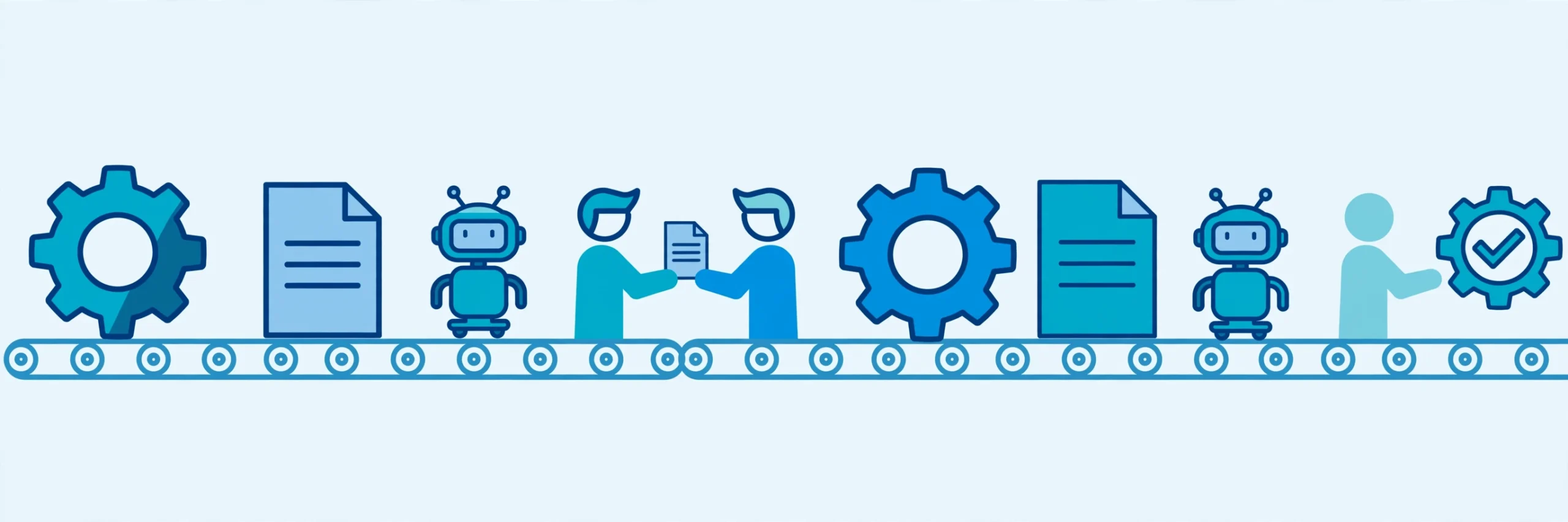
Types of Process Automation Explained: BPA, RPA, Workflow, Intelligent Automation, and Hyperautomation
Key takeaway: Process automation is not one tool but a family: task automation handles single repetitive actions, workflow automation routes multi-step approvals, RPA drives software like a person would, BPA redesigns whole processes, intelligent automation adds AI judgment, and hyperautomation combines them. The right pick depends on the problem’s size, not the trendiest label.
Search for “types of process automation” and you will find overlapping labels and vendors each claiming their product covers all of them. The confusion is understandable: these types build on each other, and several names describe the same idea at different scales. This guide sorts them out in plain English.
What process automation actually means
Process automation means using software to carry out steps of a business process with less manual work. The process can be as small as sending a reminder email or as large as approving a mortgage application from submission to payout. What changes between the types is scope: a single action, a sequence of steps, a whole workflow, or an entire end-to-end operation.
The types of process automation at a glance
| Type | What it automates | Complexity | Best for |
|---|---|---|---|
| Task automation | One repetitive action | Low | Reminders, alerts, single-record updates |
| Workflow automation | A sequence of steps and approvals | Low to medium | Approvals, onboarding, service requests |
| Robotic process automation (RPA) | Screen-level actions inside existing apps | Medium | Data entry into systems without APIs |
| Business process automation (BPA) | Whole processes, end to end | Medium to high | Loan origination, claims, order management |
| Intelligent automation | Decisions on unstructured or variable inputs | High | Document extraction, classification, exceptions |
| Hyperautomation | End-to-end orchestration across many tools | High | Large enterprises with many interlocking systems |
1. Task automation
Task automation handles one repetitive action, such as sending a notification, updating a field, or copying a value between systems. It is the simplest and cheapest type, usually built with scripts or no-code tools, and it fits when only a single step is painful rather than the whole process. Its limit is scope: automating one click does not fix a broken process.
2. Workflow automation
Workflow automation moves a request through a sequence of steps and people without anyone chasing emails. A leave request, an expense approval, or a customer onboarding checklist are classic examples: the system routes each step to the right person, applies the rules, and records what happened. This is the type most small and mid-sized teams should start with, and it is the backbone of workflow automation in CRM, where requests follow defined stages instead of living in inboxes.
3. Robotic process automation (RPA)
RPA uses software bots that interact with applications the way a human would — clicking, typing, and copying data through the user interface. It shines where older systems have no API and replacing them is too expensive. Typical jobs include high-volume, rule-based data entry, such as moving invoice details into an accounting system; our guide to RPA use cases in insurance shows the same pattern in claims and underwriting. The trade-off: bots follow fixed rules, so they break when screens change or inputs vary.
4. Business process automation (BPA)
BPA automates an entire business process from start to finish, rather than one task inside it. It combines workflow routing, system integrations, and business rules so each step automatically triggers the next — for example, a new hire’s details flowing from HR into payroll and IT accounts without manual handoffs. Digital process automation (DPA) is essentially the same idea under a newer name. The key difference from RPA is depth: BPA redesigns and connects the process itself, while RPA automates tasks on top of existing systems.
5. Intelligent automation
Intelligent automation — also called intelligent process automation (IPA) — combines workflow or RPA with AI technologies such as machine learning, natural language processing, and computer vision. It handles the messy inputs that rule-based automation cannot: reading a scanned invoice, classifying a support ticket, or deciding whether an exception needs a human. It needs more data, testing, and governance than the simpler types, and human review should stay in place for consequential decisions.
6. Hyperautomation
Hyperautomation is an enterprise strategy, not a single tool: it coordinates many automation technologies — RPA, AI, process mining, low-code platforms, and decision engines — to automate as much of an end-to-end operation as possible. Gartner popularised the term in its 2020 technology trends. For most organisations it is a destination reached after the simpler types work well, not a starting point.
RPA vs BPA: the comparison that matters most
RPA and BPA are the pair most often confused, and the distinction is practical: RPA automates individual repetitive tasks at the user-interface level, while BPA automates and optimises whole processes across systems. They are not rivals — RPA often plays a role inside a BPA implementation, handling steps where no API exists, while workflow and integrations carry the rest. If the process itself is sound and only a few manual steps hurt, start with RPA or workflow automation; if the process is slow and tangled across departments, that is a BPA job.
What each type costs
Costs rise with complexity. Task and workflow automation are typically cheapest, often covered by tools a team already pays for. RPA adds bot licences and maintenance for every screen change. BPA costs more because it involves process redesign and integration work. Intelligent automation adds AI training, data preparation, and monitoring, and hyperautomation is an enterprise-level investment. Budget for upkeep, not just licences: a bot that breaks every time an application updates can cost more in maintenance than a workflow rebuild.
What you need before you start
Before choosing a type, you need a documented process, a named owner, and a clear measure of success. Map the steps as they actually happen and count how often each runs, how long it takes, and where errors occur. That map usually reveals the right type: one painful step points to task automation, a slow approval chain to workflow, a legacy system to RPA, and a tangled end-to-end journey to BPA. For intelligent automation you also need enough examples of the documents or decisions involved, and someone to check the AI’s early output.
Risks and limits to watch
Every type carries its own risk. Task automation can hide a broken process behind a faster step. Workflow automation can lock in rigid approvals if exceptions are not designed in. RPA bots are brittle when applications change. BPA projects can balloon in scope if the process is not frozen first. Intelligent automation can inherit bias from training data and make confident mistakes on unusual inputs.
Analysis: automation multiplies whatever the process already is — good or bad. Teams that document, simplify, and then automate get more value than teams that automate first and hope the tool fixes the process. Start at the lowest rung that solves the real problem, prove it, and only then climb. Related reading: Manual Process Automation Explained.
Frequently asked questions
What is the simplest type of process automation?
Task automation is the simplest type. It automates one repetitive action, such as sending a reminder, updating a record, or copying data between systems. It is usually built with scripts or no-code tools, costs the least, and fits when only a single step is painful rather than the whole process.
What is the difference between RPA and BPA?
RPA automates individual repetitive tasks by mimicking human actions inside existing software, without changing the underlying systems. BPA automates and optimises an entire business process end to end, combining workflow, integrations, and business rules. RPA is a tool for tasks; BPA is an approach for whole processes, and the two often work together.
What is intelligent automation?
Intelligent automation combines traditional automation such as workflow or RPA with AI technologies like machine learning, natural language processing, and computer vision. It can read unstructured documents, classify inputs, and make judgment-based decisions that rule-based bots cannot. It needs more data and testing than simpler types, and human review should stay in place for consequential decisions.
What is hyperautomation?
Hyperautomation is an enterprise strategy that coordinates many automation tools, including RPA, AI, process mining, low-code platforms, and decision engines, to automate as much of an end-to-end operation as possible. Gartner popularised the term in 2020. It is a destination reached after simpler automation works well, not a single product to buy first.
How do I choose the right type of process automation?
Start by mapping the process as it actually runs and finding where time and errors concentrate. One painful step points to task automation, a slow approval chain to workflow automation, a legacy system without APIs to RPA, and a tangled end-to-end journey to BPA. Add AI only when unstructured inputs or judgment calls block progress, and treat hyperautomation as a later, enterprise-wide step.
Sources
- Appian — Types of Process Automation, Explained and Compared
- Cflow — 5 Types of Business Process Automation
- FlowForma — 2026 Guide to the Types of Business Process Automation
- UiPath — RPA vs BPM: One Goal, Two Solutions
If USABite’s explainers help you, consider adding us as a preferred source in Google Search so our coverage shows up first for you.



One Comment
Comments are closed.