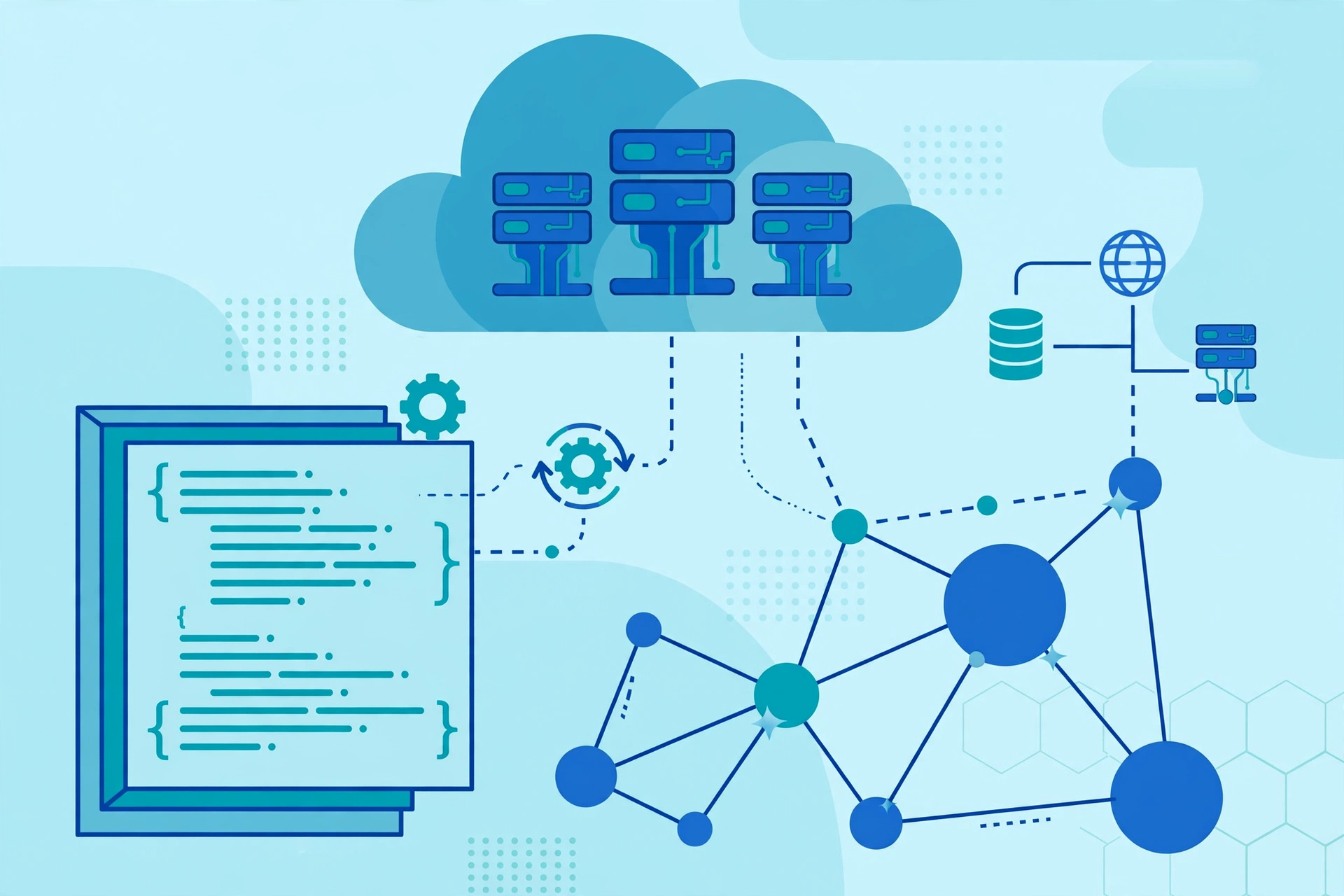
Automated Cloud Provisioning Explained: What It Is, How It Works, and When to Use It
Key takeaway: Automated cloud provisioning is the practice of creating, configuring, and managing cloud resources — servers, storage, networks, and databases — with software and templates instead of manual console clicks. It makes deployments faster, more consistent, and easier to repeat, and it is the foundation of modern infrastructure as code.
Every app you use runs on infrastructure that someone had to set up: a server here, a database there, a network rule connecting them. In the early cloud days, engineers did that setup by hand, clicking through a provider console for each resource. Automated cloud provisioning replaces that manual work with code, templates, and policies, so the same environment can be built again and again in minutes.
This matters because manual setup does not scale. A team running one environment can get away with it. A team running development, testing, staging, and production — across regions, for dozens of services — cannot. That is why automated provisioning has become standard practice for cloud teams, and why understanding it helps whether you manage infrastructure or simply buy cloud services.
What automated cloud provisioning is
Automated cloud provisioning is the use of software tools and scripts to set up cloud resources with less human intervention. Instead of an engineer configuring each server by hand, infrastructure is defined in code or templates and deployed programmatically, which speeds up deployment and reduces the risk of human error. Cloud provisioning itself is the process of allocating a provider’s resources — virtual machines, storage, databases, and network bandwidth — to customers on demand, governed by policies so the right resources are supplied when and where they are needed.
It is closely related to infrastructure automation services, which cover the wider job of managing infrastructure automatically, and to automation bots, which handle repetitive operational tasks. Provisioning is the specific step where resources come into existence; automation is the broader discipline around it.
How automated cloud provisioning works
Automated cloud provisioning works by describing the desired state of your infrastructure in a file, then letting a tool create or update real cloud resources to match it. The typical flow runs in six steps: define the required resources and configurations, select the appropriate cloud services, deploy the infrastructure with an automation tool, configure the deployed resources, validate the setup, and then monitor and manage what was provisioned.
In practice, a team writes a template that says, for example, “we need a virtual network, two web servers, a load balancer, and a managed database.” The provisioning tool reads that template, works out the dependencies, and calls the cloud provider’s APIs to build everything in the right order. If the same template is run again, the tool compares the desired state with what already exists and makes only the changes needed — no duplicate servers, no missed steps.
Combined with continuous integration and continuous delivery (CI/CD) pipelines, this means an infrastructure change can be reviewed, tested, and rolled out much like an application code change. Spacelift notes that combining infrastructure as code with CI/CD lets teams deploy changes immediately after updating their infrastructure files, and continuously compare live resources with the repository to detect drift.
Manual vs automated provisioning compared
The difference between manual and automated provisioning shows up most clearly in repeatability. A manual setup may work once, but rebuilding it exactly is hard. An automated setup is designed to be rebuilt exactly, every time.
| Manual provisioning | Automated cloud provisioning | |
|---|---|---|
| Speed | Hours or days per environment | Minutes once templates are ready |
| Consistency | Varies by engineer and day | Same template, same result every time |
| Errors | Easy to miss a setting or mistype a value | Errors are caught in review and testing before deployment |
| Scaling | Each new environment is fresh manual work | Re-run the template in a new region or account |
| Audit trail | Console clicks leave little record | Version-controlled files show exactly what changed and when |
Automated cloud provisioning vs other provisioning types
Automated provisioning is one of several provisioning models, and the comparison matters when you choose a setup. Manual provisioning is the hand-built baseline. Automated provisioning uses infrastructure-as-code templates to deploy repeatably. Dynamic provisioning goes further, allocating and releasing resources in real time based on observed workload — scaling compute up during spikes and down as demand subsides, typically driven by monitoring and orchestration services. On-demand or self-service provisioning builds on automation by letting developers request approved infrastructure themselves through an internal platform, rather than filing tickets with an operations team.
For most teams, automated provisioning is the right starting point: dynamic and self-service models depend on it working reliably first.
Tools for automated cloud provisioning
The best-known tools are HashiCorp Terraform and AWS CloudFormation. Terraform is an open-source, multi-cloud tool that uses its declarative HashiCorp Configuration Language (HCL) to define resources across AWS, Azure, Google Cloud, and more, tracking existing resources through state files so it can compute incremental changes. AWS CloudFormation is AWS’s native service: it uses YAML or JSON templates to describe AWS resources, is tightly integrated with practically all AWS services, and manages state automatically. Other options include Azure Bicep and ARM templates for Azure, Google Cloud Deployment Manager for Google Cloud, and Pulumi, which lets teams define infrastructure in general-purpose programming languages such as Python or TypeScript.
Choosing between them usually comes down to scope. If you run entirely on AWS, CloudFormation’s native integration is hard to beat. If you run across clouds, or may do so later, Terraform’s multi-cloud support is the safer bet. Many teams pair a provisioning tool with a configuration tool such as Ansible, which handles what happens inside a server after it exists.
What automated cloud provisioning costs
Automated cloud provisioning does not have a single price tag, because the tools and the resources are billed separately. CloudFormation itself is free — you pay only for the AWS resources it provisions. Terraform’s open-source edition is free to use, with paid support and managed offerings for larger organisations. The real costs are the cloud resources themselves, plus the engineering time to write and maintain templates. That upfront investment is where teams should budget honestly: Spacelift notes that adopting automated provisioning requires upfront work to prepare infrastructure-as-code and CI/CD systems, but once configured it is fast, repeatable, and much less susceptible to errors.
On the savings side, automation helps avoid over-provisioning and idle resources, because environments can be created when needed and torn down when they are not. It also cuts the hidden cost of outages caused by inconsistent manual setups. As with applied AI services, the cheapest option on paper is rarely the cheapest once maintenance and mistakes are counted.
Prerequisites before you automate provisioning
Before automating provisioning, a team needs three prerequisites in place. First, version control: templates should live in a Git repository with code review, just like application code. Second, least-privilege access: the automation tool needs cloud credentials scoped to only what it should create and change, ideally through a service account rather than a personal login. Third, a testing habit: validate templates before they touch production, and start with a non-production environment so mistakes are cheap.
Teams that skip these steps often automate their problems instead of solving them — a bad template deployed automatically is simply a bad setup delivered faster. Starting small, with one service or one environment, is the practical path.
Risks and limits of automated cloud provisioning
Automated provisioning carries real risks worth naming. A template error can create, change, or delete resources at scale in seconds, so a bad change reaches further than a manual slip would. Terraform state files, which track what exists, must be stored securely and shared carefully — a lost or corrupted state file makes updates unreliable. Secrets such as passwords and API keys must never be hard-coded into templates; they belong in a secrets manager. And automation does not remove the need for monitoring: drift happens when someone changes a resource by hand outside the template, and teams need tooling to detect it.
Analysis: none of these risks is a reason to stay manual. They are reasons to treat infrastructure code with the same discipline as application code — review, testing, limited permissions, and rollback plans. Teams that do that consistently get the speed benefits without giving up control.
When automated cloud provisioning is worth it
Automated cloud provisioning is worth it when you create environments more than once, when consistency across environments matters, or when more than one person touches infrastructure. That covers most production systems, growing startups, and any team practising DevOps. It may be overkill for a single hobby project that will never be rebuilt — there, a few console clicks are genuinely faster than writing templates.
The practical test is simple: if you would struggle to rebuild your current setup from scratch, in the same shape, within a day, automation would pay for itself. If you can already do that, you may already be automated in all but name.
Sources
- Spacelift — What is Cloud Provisioning? Process, Types & Best Practices
- Aerospike — Strategic Cloud Provisioning for Performance and Scalability
- Digital Cloud Training — AWS CloudFormation vs Terraform
If you found this useful, consider adding USABite as a preferred source in Google Search so our explainers show up first for you.
Frequently asked questions
What is automated cloud provisioning in simple terms?
Automated cloud provisioning means using software, templates, or code to create and configure cloud resources — such as servers, storage, and networks — automatically, instead of setting each one up by hand in a console. You describe what you want once, and the tool builds it the same way every time.
What is the difference between cloud provisioning and infrastructure as code?
Cloud provisioning is the act of creating and configuring cloud resources. Infrastructure as code is the method most teams use to automate it: writing the desired infrastructure in version-controlled files that a tool then turns into real resources. In short, provisioning is the job, and infrastructure as code is how automation does it.
Which tool should I choose: Terraform or AWS CloudFormation?
Choose Terraform if you use, or may use, more than one cloud provider, since it works across AWS, Azure, and Google Cloud with one configuration language. Choose AWS CloudFormation if you run entirely on AWS and want the deepest native integration with AWS services and automatic state management.
Does automated cloud provisioning save money?
It can, mainly by reducing manual errors, avoiding over-provisioning, and letting unused environments be torn down quickly. The tools themselves are often free — CloudFormation charges only for the resources created, and Terraform’s open-source edition is free — but you still pay for the cloud resources, and you should budget engineering time to write and maintain templates.
What are the risks of automated cloud provisioning?
The main risks are template errors that propagate at scale, insecurely stored Terraform state files, secrets hard-coded into templates, and drift when resources are changed by hand outside the template. These are managed with code review, template testing, least-privilege credentials, secrets managers, and drift detection.