
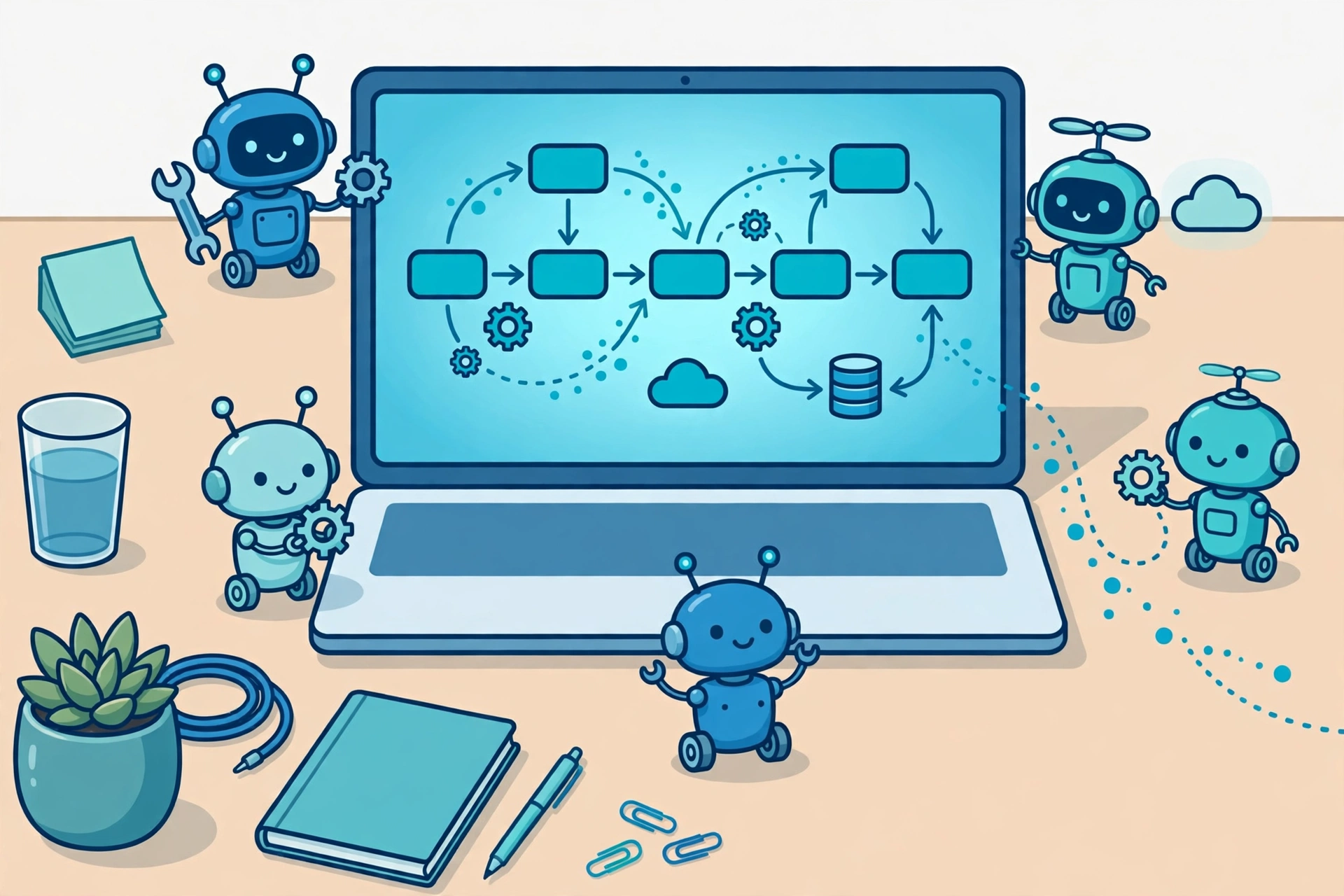
Automation Bots Explained: What They Are, How They Work, and Where They Are Used
Key takeaway: Automation bots are software programs that carry out repetitive, rule-based digital tasks the way a person would — clicking, typing, copying data, and moving information between applications. They work best on high-volume, predictable work, come in attended, unattended, and hybrid forms, and save time only when the underlying process is already clear and stable.
Automation bots are not physical robots. They are pieces of software that act as digital workers inside the systems a business already uses. If a job involves the same steps in the same order every time — opening an application, reading a form, entering data, sending a confirmation — it is a candidate for an automation bot. If the job needs judgment, negotiation, or creativity on every case, it usually is not.
What Are Automation Bots?
An automation bot is a software program built to follow a defined set of rules to complete a digital task. In robotic process automation (RPA), bots interact with applications through their user interfaces, much like a human employee would: logging in, clicking buttons, typing into fields, and copying data from one screen to another. That is a key reason RPA is popular for older systems — it often works without rebuilding the underlying software or adding complex integrations, according to UiPath’s documentation on robots and Blue Prism’s guide to RPA capabilities.
The term “automation bots” is broader than RPA alone. It also covers chatbots that answer routine questions, workflow bots that move approvals through a system, and scheduling bots that run jobs at set times. This article focuses mainly on RPA-style bots, because that is what most businesses mean when they talk about deploying automation bots — while noting where the other kinds fit in.
How Automation Bots Work
Most automation bots follow the same basic pattern, whatever platform runs them:
- Trigger: Something starts the bot — a schedule (every night at midnight), an event (a new invoice lands in an inbox), or a person clicking a button.
- Read: The bot gathers its input, such as data from an email, a spreadsheet, a form, or a screen. Optical character recognition (OCR) can pull text from scanned documents.
- Decide: The bot applies its rules. For example: if an expense claim is under a set amount and matches a receipt, approve it; otherwise, send it to a human for review.
- Act: The bot enters data, updates a database, moves a file, or sends a message.
- Report: The bot logs what it did, so the work can be audited and errors can be traced.
That audit trail matters. Because bots can process hundreds of cases quickly, a wrong rule does damage at scale — which is why bots are usually tested on a small batch before they are allowed to run unattended.
Types of Automation Bots
Bots are usually classified by how much human involvement they need, not by how smart they are. UiPath’s documentation draws the same line: attended robots work alongside a person, while unattended robots run on their own under a central orchestrator.
| Type | How it runs | Best for | Example |
|---|---|---|---|
| Attended bots | Triggered by a person, on that person’s own computer | Front-office tasks where a human stays in control | A support agent clicks a button and the bot pulls up a customer’s full history |
| Unattended bots | Runs on a schedule or event, on a server or virtual machine, with no person present | High-volume back-office work | Processing every invoice received overnight |
| Hybrid bots | Unattended processing plus a human step when something is unclear | Processes that are mostly routine but sometimes need judgment | A bot processes claims automatically and routes only the exceptions to staff |
Some platforms also describe task bots (single simple jobs), reusable bots for common steps, and “IQ” or cognitive bots that add document understanding or language processing to handle less structured input. The practical difference is the same: the more unstructured the input, the more checking the bot needs.
Automation Bots vs. AI Agents: What Is the Difference?
Rule-based automation bots follow instructions exactly; they do not improvise. AI agents, by contrast, can plan steps, use tools, and adapt when a situation changes — but that flexibility also makes their behaviour harder to predict and audit. For a business, the comparison looks like this:
| Automation bots | AI agents | |
|---|---|---|
| Strength | Predictable, fast, auditable on fixed tasks | Handles varied, open-ended tasks |
| Weakness | Breaks when screens or rules change | Can take unexpected steps; needs guardrails |
| Best use | Invoice processing, data entry, report generation | Research, triage, multi-step problem solving |
| Control | Rules written in advance, fully testable | Goals set in advance, steps chosen at runtime |
In practice, the two are increasingly combined: a bot handles the fixed steps, and an AI component reads an unstructured document or drafts a reply that a human approves. That combination is where most real deployments are heading.
Where Automation Bots Are Used
Automation bots show up wherever the same digital chore repeats at volume. Common examples include finance teams reconciling invoices and expenses, HR teams onboarding new hires across several systems, insurers moving claims from filing to payment, and customer-service teams updating records after every interaction. Readers interested in specific uses can see how the same ideas apply in claims workflow automation and IT process automation tools, and how robotic process automation webinars explain the technology to newcomers.
What Automation Bots Cost
There is no single price for automation bots. Most commercial RPA platforms charge by licence — per bot, per user, or per server — and enterprise deployments add implementation, maintenance, and monitoring costs on top. Some vendors offer free community or trial editions for learning and small projects, which is the sensible starting point for a first bot. The honest way to judge cost is per process: a bot that runs a stable, high-volume task can pay for itself quickly, while a bot built for a rarely used, constantly changing process usually costs more to maintain than the manual work it replaces.
What You Need Before Building One
Before any bot is built, three prerequisites decide whether it will work. First, the process must be documented step by step, including its exceptions — a bot can only follow rules someone has written down. Second, the bot needs proper, limited access to each system it touches, with its own credentials rather than an employee’s password, so access can be revoked and audited. Third, someone must own the bot after launch: screens change, applications update, and an unmonitored bot will fail silently. Teams that skip these prerequisites are the ones whose bots break within months.
Risks and Limits of Automation Bots
Automation bots are brittle by design. A redesigned screen, a renamed field, or a changed login page can stop a bot that worked yesterday, so UI-based bots need regular maintenance. They also inherit the flaws of the process they automate: automating a broken, approval-heavy workflow just produces bad outcomes faster. Security is another limit — a bot with broad system access is a valuable target, so its permissions should be as narrow as the job allows, and its logs should be reviewed. Finally, bots do not fix data-quality problems; if the input data is messy, the output will be too, only faster.
Analysis: Where Automation Bots Make Sense — and Where They Do Not
Analysis: The pattern across successful deployments is consistent: start with one stable, high-volume, rule-based process, measure the time saved and the error rate, and only then expand. The failures follow the opposite pattern — automating a process nobody fully understands, or choosing a flashy use case over a boring one that actually repeats daily. For small teams, the most useful first bot is often the dullest one: the nightly report, the invoice queue, or the data transfer nobody enjoys. Boring is the point.
If you want to explore the wider automation landscape, our explainers on industrial automation in IoT show how the same principles extend from office software to connected factory machines.
Frequently Asked Questions
What is an automation bot in simple terms?
An automation bot is a software program that performs repetitive digital tasks by following set rules, such as copying data between applications, processing invoices, or generating reports. It is not a physical robot; it works entirely inside computer systems.
What is the difference between attended and unattended bots?
Attended bots work alongside a person on that person’s computer and are triggered by user actions, such as a support agent starting a lookup. Unattended bots run on their own on a server or virtual machine, triggered by schedules or events, and are best for high-volume back-office work like overnight invoice processing.
Are automation bots the same as AI?
No. Traditional automation bots follow fixed rules and cannot improvise, while AI systems can interpret unstructured information and adapt to new situations. Many modern platforms combine the two, using AI to read documents or draft replies inside a rule-based bot workflow.
How much do automation bots cost?
Costs vary widely because most platforms license per bot, per user, or per server, plus implementation and maintenance. Free community or trial editions exist for learning and small projects. The right comparison is the total cost of running one process against the staff time it saves.
What tasks should you not automate with bots?
Do not automate tasks that need human judgment on every case, processes that change constantly, or workflows that are poorly documented. Bots also struggle with messy or unstructured input unless paired with document-understanding tools, and they need a human owner to maintain them as systems change.
Sources
- UiPath Documentation — About Robots (attended vs. unattended)
- Blue Prism — Robotic Process Automation Features and Capabilities
- SuperMoney — Robotic Process Automation: Definition, How It Works, Types, and Examples




One Comment
Comments are closed.