RPA Automation Testing Explained: What It Is, How It Works, and the Tests That Matter
Key takeaway: RPA automation testing is the process of checking that software bots carry out their assigned business tasks accurately, consistently, and safely — including how they handle errors, changed screens, and updates to the systems they touch. It covers unit, integration, regression, security, and user acceptance testing, and it is what stands between a bot that works in a demo and one that can be trusted in production.
Robotic process automation (RPA) bots mimic human actions in software: logging in, clicking buttons, copying data between systems, and filing reports. Because they work through the same user interfaces people use, they are sensitive to things traditional software is not — a moved button, a renamed field, or a slow-loading page can break a bot. RPA automation testing exists to catch those failures before they reach live business processes.
This guide explains what RPA automation testing is, the types of tests involved, the tools teams use, and the practices that make testing worthwhile. It also clears up a common confusion: testing RPA bots is not the same thing as using RPA bots to test other software, though the two sometimes overlap.
What Is RPA Automation Testing?
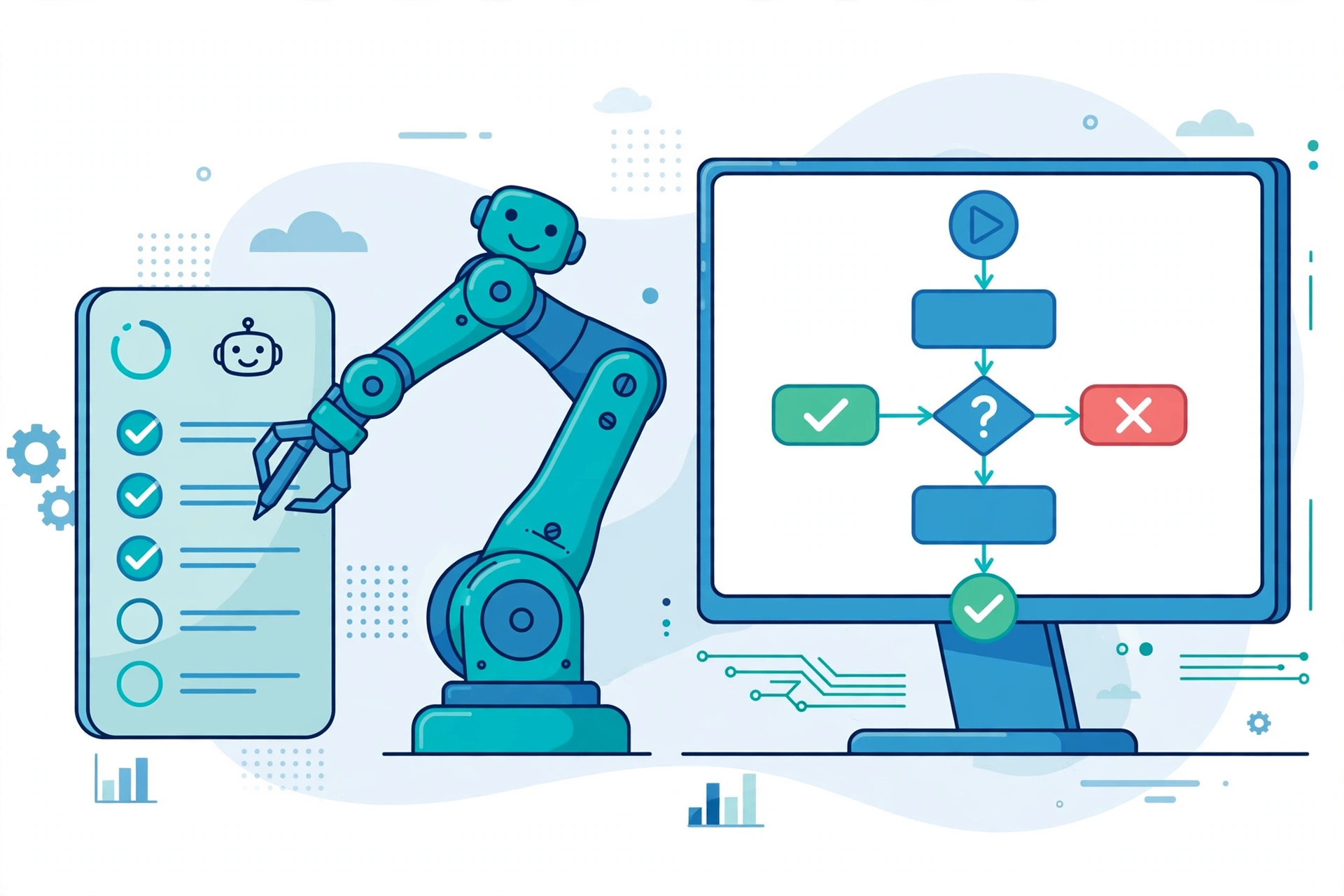
RPA automation testing validates that a bot executes a business process as intended, under realistic conditions, without errors, exceptions, or compliance violations. Unlike conventional software testing, which often focuses on code correctness, RPA testing is process-centric: it checks the end-to-end workflow across every system the bot touches, from enterprise resource planning (ERP) and customer relationship management (CRM) tools to legacy applications and third-party services.
Testing matters because bots usually handle repetitive, high-volume work — invoice processing, data entry, claims handling — where a small error repeats thousands of times. As Flobotics notes, testing early helps teams find errors in the development cycle and confirm that bots run a process consistently, rather than discovering failures after deployment. IT Convergence makes the same point: comprehensive testing across functional, performance, and exception-handling scenarios is what makes an automated workflow operationally reliable.
The Main Types of RPA Automation Testing
Most RPA testing programs combine several test types, each answering a different question about the bot:
| Test type | What it checks | When it runs |
|---|---|---|
| Unit testing | Individual bot actions — a login, a click, a data entry step — in isolation, including edge cases | During bot development |
| Integration testing | Data handoffs between the bot and the systems, APIs, and databases it connects to | After units pass, before end-to-end runs |
| System testing | The complete workflow end to end in a realistic environment | Before user acceptance testing |
| Regression testing | That updates to the bot or to target applications have not broken previously working steps | After every change |
| Security testing | Authentication, access control, logging, and safe handling of sensitive data | Before production, and on changes |
| Performance testing | Speed, stability, and behaviour under realistic load and data volumes | Before scaling up |
| User acceptance testing (UAT) | Whether business users confirm the bot meets operational requirements in real-world conditions | Final sign-off stage |
Regression testing deserves special attention. RPA bots are unusually fragile to change: an update to any target application can break selectors, layouts, or data formats the bot depends on. Re-running the regression suite after every bot change or application update is the main defence against silent breakage, and it is the test type most worth automating.
RPA Automation Testing vs. Using RPA for Software Testing
The phrase “RPA automation testing” is used in two directions, and confusing them leads to buying the wrong tool. Testing RPA bots means validating the bots themselves. Using RPA for software testing means deploying bots to carry out test activities — such as data setup, regression runs, or cross-system checks — on other applications.
The distinction matters in practice: a team testing its invoice-processing bot needs test cases for that bot’s workflow, while a QA team using bots as test executors needs a framework for building and maintaining those test bots. Many platforms, notably UiPath Test Suite, serve both purposes, but the test plan, success criteria, and ownership differ. Be clear about which problem you are solving before choosing tooling.
Tools for RPA Automation Testing
Tool choice usually follows the RPA platform already in use, supplemented by general-purpose test tools where needed:
| Tool | Best for |
|---|---|
| UiPath Test Suite | End-to-end testing of UiPath bots and applications, with Test Manager, Test Robot, and DevOps pipeline integration |
| Automation Anywhere testing | Bot-specific test automation and analytics, including Bot Insight reporting and Bot Scanner compliance checks |
| Blue Prism automated testing | Automated regression testing for Blue Prism bots |
| Robot Framework | Open-source, keyword-driven acceptance testing that reads well to non-programmers |
| Selenium / Tosca | UI and API-level testing alongside RPA bots, often combined with a platform tool |
| CI/CD tools (Jenkins, GitLab CI) | Scheduling and triggering bot tests automatically on every change |
As MGTechSoft’s framework guide advises, teams should pick tools aligned with their RPA platform and integrate external UI and API testing tools where the platform’s own coverage stops. A framework is more than a tool list, though: it also needs a test strategy, reusable test cases built from business rules, version-controlled test assets, and test execution wired into delivery pipelines.
How Much Does RPA Automation Testing Cost?
Testing cost is mostly people time and tooling, not licences alone. Platform-native suites such as UiPath Test Suite are typically licensed alongside the RPA platform, while open-source options such as Robot Framework and Selenium carry no licence fee but need staff time to build and maintain. The expensive failure mode is not testing tooling — it is an untested bot failing in production, where one repeated error can corrupt thousands of transactions before anyone notices.
The practical way to control cost is to automate the regression suite and run it on every change, so testing effort scales with the bot estate rather than with each release. Manual testing still has a role — exploratory checks and UAT need human judgment — but manual re-testing of every bot after every update does not scale, and it is where most teams fall behind.
Prerequisites: What You Need Before Testing a Bot
Useful RPA testing needs four things in place before the first test runs. First, a test plan that defines scope, test types, expected results, and acceptance criteria — without it, “the bot worked” means nothing verifiable. Second, realistic test data that covers normal cases, edge cases, and invalid inputs; masked or synthetic data where real data is sensitive. Third, a production-like test environment, since bots behave differently against real system speeds, permissions, and data volumes. Fourth, access to the business owners who can confirm what “correct” looks like during UAT.
For a related automation starting point, see our explainers on robotic process automation in Canada and automating IT operations.
Risks and Limits of RPA Automation Testing
Testing has limits teams should plan around. There is no universal RPA testing standard, so approaches vary between platforms and consultancies, making it harder to compare coverage across estates. UI-dependent bots remain brittle by nature: even a well-tested bot can break when a target application changes its interface, which is why post-deployment monitoring matters as much as pre-release testing. Test data is another weak point — tests run on tidy sample data will miss the messy formats, duplicates, and exceptions real operations produce. Finally, testing proves a bot behaves correctly in the scenarios tested; it does not prove it handles every scenario, so exception handling and human fallback paths need their own design attention.
Practical Steps: A Sensible RPA Testing Routine
For a team starting or tightening up RPA testing, the following routine covers the essentials without over-engineering:
- Start early (shift left). Involve testers during bot design, not after build, so test scenarios shape the workflow rather than chasing it.
- Build reusable test cases from business rules, version-controlled alongside the bot, so they survive team changes.
- Test in a production-like environment with realistic data, including edge and failure cases.
- Automate regression tests and run them through CI/CD on every bot or application change.
- Run UAT with real business users against real-world conditions before sign-off.
- Monitor after deployment — logs, success rates, and exception queues — because some failures only appear in production.
Teams running broader automation programs may also find our guides on industrial automation examples and Automation Anywhere CoE Manager useful for the governance side of scaling a bot estate.
Analysis: Why RPA Testing Is Where Automation Programs Succeed or Stall
Analysis — this section is our assessment, not a reported fact. The pattern across the sources is consistent: automation programs rarely fail because a bot cannot be built; they fail because untested bots erode trust after a few visible errors, and business owners then resist further automation. Testing is therefore not a quality checkbox at the end of a project — it is the mechanism that earns the next project. Teams that automate regression testing and monitor bots in production can scale with confidence; teams that test manually, once, before launch, will spend their automation savings on firefighting. If your program has one testing investment to make, make it the automated regression suite: it is the cheapest insurance against the most common failure, a bot that worked yesterday and silently breaks today.
Frequently Asked Questions
What is RPA automation testing?
RPA automation testing is the process of verifying that software bots execute their assigned business processes accurately, consistently, and safely. It checks bot actions, data handling, system integrations, exception handling, and security, so automations can be trusted in production rather than only in demonstrations.
What are the main types of RPA testing?
The main types are unit testing of individual bot actions, integration testing of data handoffs between systems, system testing of the full workflow, regression testing after changes, security testing of access and data handling, performance testing under load, and user acceptance testing by business users.
Which tools are used for RPA automation testing?
Common tools include UiPath Test Suite for UiPath bots, Automation Anywhere’s testing and Bot Insight features, Blue Prism’s automated regression testing, the open-source Robot Framework for keyword-driven acceptance tests, and Selenium or Tosca for UI and API testing, often orchestrated through CI/CD tools such as Jenkins or GitLab CI.
How is RPA testing different from traditional software testing?
Traditional software testing focuses mainly on code and application behaviour, while RPA testing is process-centric: it validates end-to-end business workflows executed through user interfaces across multiple systems. RPA tests must also cover UI fragility, such as layout changes breaking bot selectors, which conventional code tests rarely face.
When should RPA bots be retested?
Bots should be retested after every bot update, every change to a target application, and on a regular schedule for critical processes. Regression tests should run automatically on each change, with business users involved in acceptance testing before major releases, and production monitoring catching failures that testing cannot foresee.
Sources
- Flobotics — What Is RPA Testing, How to Do It & Why It Matters
- VSoft Consulting — RPA Testing Explained: A Complete Guide to RPA Success
- MGTechSoft — What Is an RPA Testing Framework and Why Is It Important?
- IT Convergence — Testing RPA Solutions: How a Robust Strategy Ensures Reliability
- QAGenesis — A Comprehensive Guide to RPA Testing