SMART Ideas: What the Concept-Mapping Software Is and What Replaced It
SMART Ideas: What the Concept-Mapping Software Is and What Replaced It
Key takeaway: SMART Ideas is concept-mapping software from SMART Technologies that lets teachers and students build visual diagrams of ideas — multilevel concept maps with shapes, connectors, clip art, and multimedia links. First released in 1991 and updated to version 5 in 2010, it is now legacy software, and SMART’s Concept Mapping add-on for SMART Notebook is its official successor.
What SMART Ideas software is
SMART Ideas is a concept-mapping software application made by SMART Technologies, the Calgary-based company known for SMART Board interactive whiteboards. It was designed mainly for classrooms: teachers and students drag colorful shapes and connectors to build dynamic concept maps that visualize abstract ideas and show how concepts relate to each other.
SMART’s own product literature describes it as a tool that helps students visualize abstract concepts and complex ideas by creating maps with shapes, connectors, and curriculum-specific clip art, then attaching links to files and multimedia content for extra impact. It was also optimized for use with SMART Board interactive whiteboards, so maps created in the software became the focal point of interactive lessons.
How SMART Ideas worked
Users built maps by dragging shapes and connectors onto a workspace, then enhanced them with visual effects, patterns, images, and shading. The software shipped with more than 2,000 resizable pieces of clip art organized by curriculum topic, plus “cliplets” — small interactive widgets for classroom tasks like telling time or measuring angles.
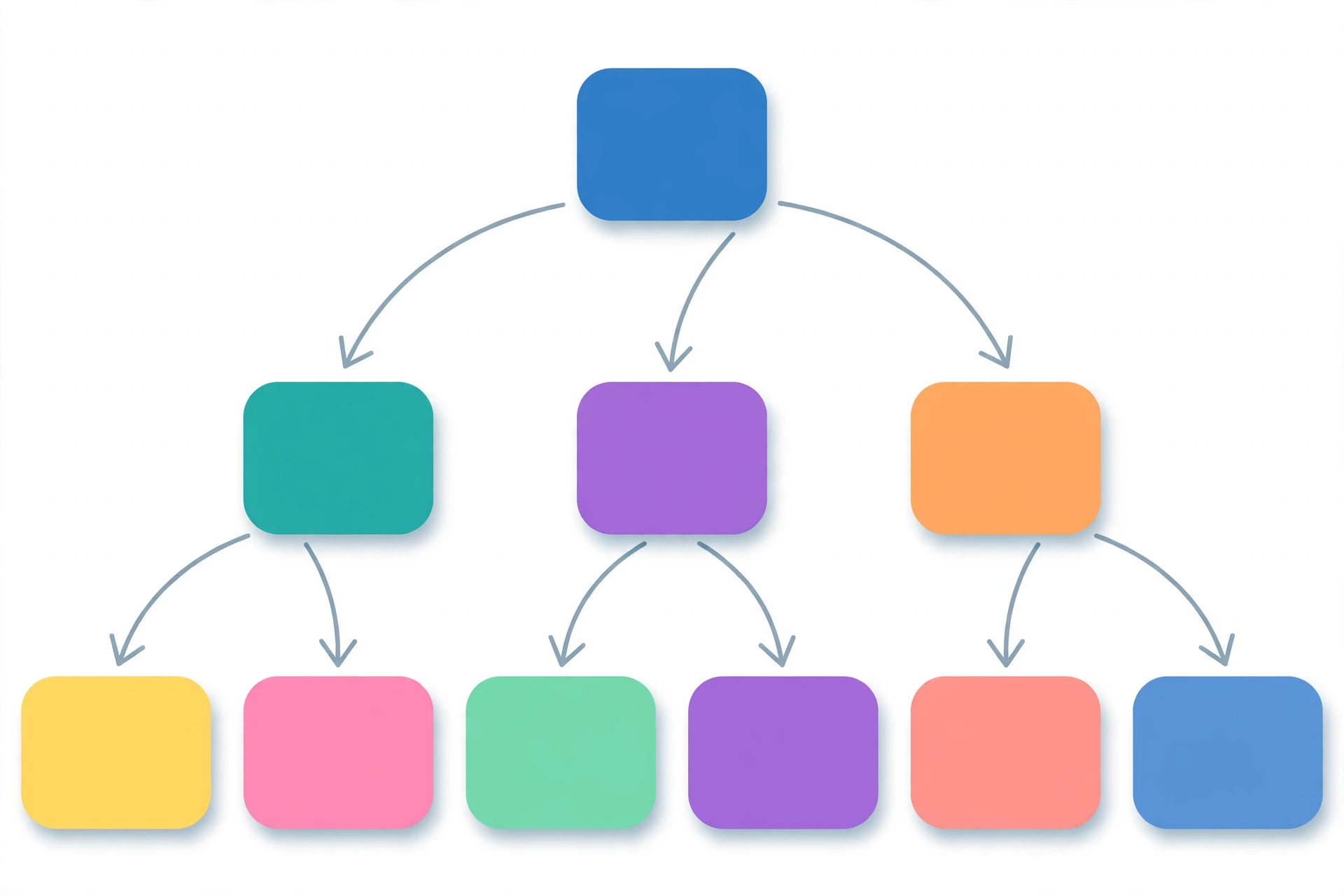
A distinctive feature was multilevel maps: teachers could create maps with sublevels, collapsing and expanding tree diagrams one branch at a time to take students through concepts one level at a time. Maps could be viewed as a Diagram, a text-based Outline, a Global view showing all levels at once, or in Presentation mode, which removed toolbars for a cleaner display. The software also included handwriting recognition that converted digital ink into text so handwritten notes could be incorporated into maps.
Completed maps could be exported to Microsoft Word, Microsoft PowerPoint, web diagrams (SVG), and HTML, and hyperlinks or file attachments could be added to any symbol. A copy of SMART Ideas was included with every SMART Board interactive whiteboard and Sympodium interactive lectern sold, which is how it reached most classrooms.
The history of SMART Ideas
According to a University of British Columbia overview, the original release — SMARTIdeas 1.0 — dates back to 1991. The final major release, SMART Ideas 5.0, launched in 2010 for Windows, macOS, and Tablet PCs, bringing a three-dimensional Global view, stickies, expanded language support, legend creation, and new drawing and text-formatting tools.
At the time, SMART’s leadership framed concept mapping as more than a visualization trick. “According to research studies, learners are driven by their individual learning styles,” said Nancy Knowlton, then president and co-CEO of SMART Technologies. “SMART Ideas software fosters digital-age literacies and enables students to access, create and integrate information related to curriculum in ways meaningful to each student.”
Is SMART Ideas still available?
SMART Ideas is legacy software — it is no longer the current product. The modern successor path is the Concept Mapping add-on in SMART Notebook. SMART’s support documentation notes that the add-on lets users quickly create concept maps with ink gestures alongside traditional interactions.
There is a licensing catch, though. In SMART Notebook, creating new concept maps requires a subscription (SMART Learning Suite / SMART Notebook Plus); the free version of SMART Notebook can open and maintain existing concept maps but cannot create new ones. Schools still sitting on old SMART Ideas files should plan a migration rather than assume the software will keep running on modern systems.
SMART Ideas vs. SMART Notebook: what’s the difference
SMART Ideas was a dedicated concept-mapping tool — one job, done in depth. SMART Notebook is the broader lesson-creation and delivery software for SMART Boards, in which concept mapping is one add-on among many (game-based activities, formative assessments, SMART Blocks, and more). If you only ever mapped ideas, SMART Ideas was the leaner tool; if you teach full lessons on an interactive display, Notebook is the current home of that feature.
Analysis: what this means if you used SMART Ideas
The following is analysis, not confirmed fact. SMART Ideas was a product of an era when dedicated desktop software shipped with classroom hardware. Most schools that once relied on it have likely moved on, either to SMART Notebook’s add-on or to standalone concept-mapping apps. The key risk for longtime users is file lock-in: old map files may not open cleanly on current systems, so exporting anything worth keeping to Word, PDF, or HTML sooner rather than later is the practical move — part of making sure classroom technology for productivity keeps earning its place instead of turning into legacy dead weight.
FAQ
What is SMART Ideas software?
SMART Ideas is concept-mapping software from SMART Technologies that lets teachers and students create visual diagrams of ideas using shapes, connectors, clip art, and multimedia links. It was built for classrooms and optimized for use with SMART Board interactive whiteboards.
Who made SMART Ideas?
SMART Ideas was made by SMART Technologies, the Calgary, Alberta–based company behind SMART Board interactive whiteboards. The first version released in 1991, and the final major release — SMART Ideas 5.0 — shipped in 2010.
Can you still download SMART Ideas?
SMART Ideas is legacy software and is no longer the current product. SMART directs concept-mapping users to the Concept Mapping add-on in SMART Notebook, which requires a subscription to create new maps.
What is the difference between SMART Ideas and SMART Notebook?
SMART Ideas was a dedicated concept-mapping application. SMART Notebook is SMART’s broader lesson-creation and delivery software for interactive displays, which includes concept mapping as an add-on feature.
What replaced SMART Ideas?
SMART’s official replacement is the Concept Mapping add-on for SMART Notebook. Schools that don’t need the subscription can also use standalone concept-mapping applications to build similar visual diagrams.
Found this useful? Add USABite as a preferred source in Google Search so guides like this one show up first for you.
Sources
- SMART Ideas product fact sheet (SMART Technologies)
- MET: Use of Smart Ideas to Assist Students with Learning Disabilities (UBC Wiki)
- SMART Ideas software 5.0 launch coverage (DQWeek)
- About SMART Notebook (SMART Technologies support)