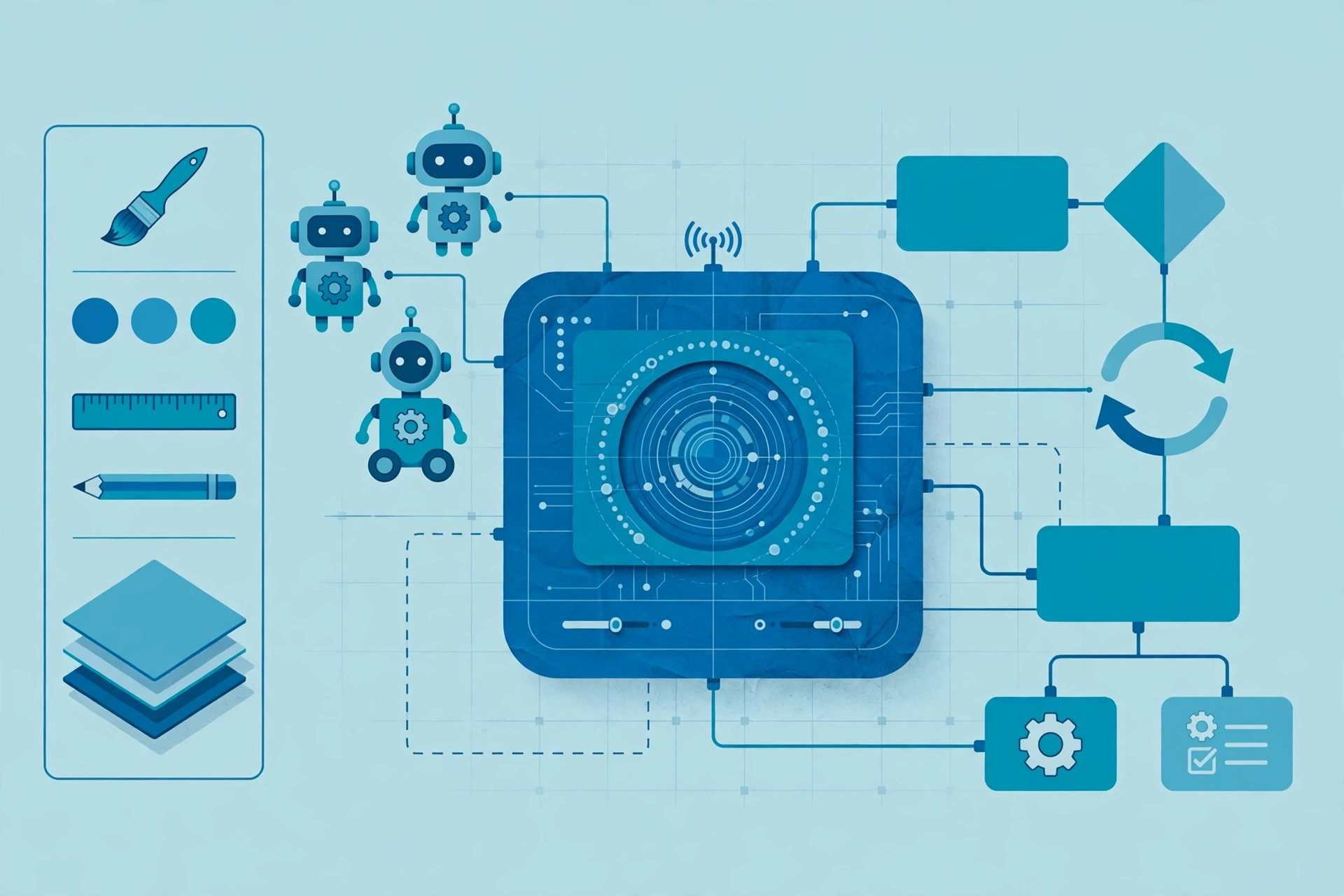
Robotic Process Automation Architecture: How the Studio, Robots, and Orchestrator Work Together
Key takeaway: Robotic process automation architecture has three core parts: a design studio where automations are built, software robots that run them, and an orchestrator (or control room) that schedules, manages, and monitors the whole robot workforce. Understanding how these parts connect is the key to building automations that scale instead of breaking.
Robotic process automation (RPA) sounds futuristic, but the idea is simple: software robots carry out repetitive, rule-based computer work the way a person would — opening applications, clicking buttons, typing into fields, and copying data between systems. The architecture behind it is what turns a single helpful bot into a reliable enterprise system.
What robotic process automation architecture actually is
At its simplest, robotic process automation architecture is the set of components that lets you design an automation, run it, and manage it at scale. Most platforms, including market leaders such as UiPath, Automation Anywhere, and Microsoft Power Automate, follow the same basic pattern, even if they use different names for the parts.
The three core components are:
- The design studio — where developers build automation workflows, usually with a visual, drag-and-drop interface.
- The robot — the execution agent that runs the workflow on a computer, following the steps exactly as designed.
- The orchestrator (control room) — the central hub that deploys, schedules, monitors, and manages robots.
Supporting pieces sit around these three: a credential vault for secure logins, queues for work items, logs for auditing, and connectors or APIs for talking to other systems. Together, they form the full architecture.
The design studio: where automations are built
The design studio is the developer’s workspace. Instead of writing everything in code, developers assemble workflows from pre-built activities — open an application, read a spreadsheet, fill in a form, send an email — and arrange them in sequence, with branches for decisions and error handling.
Many studios also let developers record a person performing the task once, then turn that recording into an editable workflow. The bot finds each button or field using a selector, a stored description of the element’s properties, and falls back to screen coordinates or image matching where no stable description exists. That detail matters: it is why RPA works well even with older systems that offer no API, and also why it needs maintenance when an application’s interface changes.
The robot: the worker that runs the workflow
The robot is the execution agent. UiPath’s own documentation describes the robot exactly this way: it is the agent that runs processes developed in the studio, and it must be connected to the orchestrator (or licensed locally) to execute them.
There are two main kinds of robot, and the difference shapes the whole design:
| Attended robot | Unattended robot | |
|---|---|---|
| Where it runs | On an employee’s own workstation | On a server or virtual machine |
| How it starts | Triggered by the person, during their work | On a schedule, event, or work queue |
| Human involvement | Works alongside a human, who may step in | Runs independently, with no human in the loop |
| Typical use | Helping during a customer call, e.g. pulling up records | Overnight invoice processing, report generation |
Attended bots suit front-office tasks where a person is already working; unattended bots suit high-volume back-office work that can run around the clock. Some deployments mix both, using attended bots to handle exceptions that unattended bots flag.
The orchestrator: the control room of robotic process automation architecture
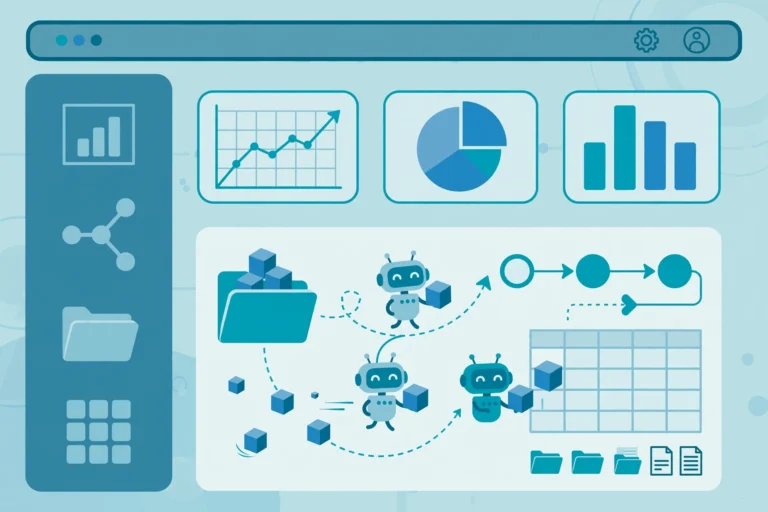
The orchestrator — often called the control room in platforms such as Automation Anywhere — is what makes RPA an enterprise system rather than a collection of desktop scripts. It schedules jobs, assigns them to available robots, distributes work through queues, stores credentials securely, and collects logs and performance data from every run.
In UiPath’s architecture, the orchestrator is the web application that controls, manages, and monitors the robot workforce: it maintains connections with robots, distributes processes to them as tasks, and keeps execution logs for tracking. That central view is also what gives RPA its audit trail — every action a bot takes can be logged, which matters for regulated work such as finance and healthcare processing.
The typical flow looks like this:
- A developer builds a workflow in the design studio and publishes it.
- The orchestrator receives the published package and makes it available to robots.
- The orchestrator schedules a job or drops work items into a queue.
- A robot picks up the job, runs the workflow, and reports results and logs back.
- Administrators watch dashboards, handle exceptions, and update the workflow when the underlying application changes.
Why this architecture matters in practice
Understanding the architecture helps you avoid the most common RPA mistake: building bots one by one on individual desktops with no central management. That approach works for a pilot, but it breaks down fast — nobody knows which bots are running, credentials are scattered, and a single interface change can silently break several automations.
A proper architecture gives you three practical advantages. First, scale: one orchestrator can manage hundreds of robots, adding capacity by adding machines rather than redesigning anything. Second, governance: role-based access, credential vaults, and audit logs keep bots under IT control. Third, resilience: queues, retries, and exception handling let a failed job be retried or routed to a human instead of silently dropping work.
The trade-off is maintenance. Because UI-driven bots depend on selectors and screen layouts, a renamed field, a moved button, or a new pop-up can break a workflow until a developer updates it. The practical fix is to prefer APIs where they exist and reserve screen automation for systems that offer no other option — and to budget ongoing maintenance, not just the initial build.
Analysis: where RPA architecture is heading
Analysis — not a verified announcement: the classic three-part architecture is increasingly wrapped in a broader automation fabric. Platforms now pair deterministic, rule-following bots with AI services for reading unstructured documents and classifying content, while process mining tools suggest which processes to automate next. The core pattern — design, execute, orchestrate — is not going away, but the orchestrator’s job is expanding from managing robots to coordinating bots, APIs, and AI agents together. For anyone learning RPA today, the architecture fundamentals still transfer directly; only the tooling around them is getting wider.
For a closer look at how automation fits into wider business systems, see our explainers on manufacturing automation integration and IT support vs IT automation, and for everyday examples of the technology in action, automation examples in industry.
Sources
- UiPath Documentation — Robot introduction
- Built In — What Is Robotic Process Automation (RPA)?
- Ultralytics Glossary — Robotic Process Automation (RPA)
Frequently asked questions
What are the three main components of robotic process automation architecture?
The three main components are the design studio, where automation workflows are built; the robot, the software agent that executes those workflows; and the orchestrator (or control room), the central hub that schedules, deploys, monitors, and manages robots. Supporting pieces include credential vaults, work queues, and audit logs.
What is the difference between attended and unattended RPA robots?
Attended robots run on an employee’s workstation and are triggered by that person during their work, such as during a customer call. Unattended robots run on servers or virtual machines on a schedule or from a work queue, with no human involvement. Attended bots suit front-office assistance; unattended bots suit high-volume back-office processing.
What does the orchestrator do in RPA?
The orchestrator acts as the central management hub for the robot workforce. It deploys automation packages to robots, schedules jobs, distributes work through queues, stores credentials securely, and collects execution logs and performance data. It also provides dashboards so administrators can monitor status, handle exceptions, and audit bot activity.
Do RPA robots need APIs to work?
No. RPA robots can work by operating an application’s user interface the way a person would, using selectors to find buttons and fields, which is why RPA works with older systems that offer no API. However, API-based automation is faster and more stable where APIs exist, so teams generally prefer APIs and reserve screen automation for systems without them.
Why do RPA bots break when an application changes?
Bots depend on selectors — stored descriptions of interface elements such as window, control type, and name. When a field is renamed, a button moves, or a pop-up appears, the selector may no longer match and the bot stops until a developer updates it. This is why RPA deployments need ongoing maintenance and testing whenever underlying applications are updated.